ResaleOS overview — what we cover in a demo call
This is the same walkthrough we give on a live demo call, recorded so you can watch it now instead of booking a time. It runs seven minutes and covers inventory, building a listing from photos, pricing, crosslisting, sales, your storefront, consignors and what it costs. The full transcript is below.
Jump to a section
What ResaleOS actually does
ResaleOS runs the operational side of a resale business in one place: inventory, crosslisting, sales channels, sales, consignors and payouts. It is used by online resellers, consignment stores, vendor malls, thrift and vintage shops, estate sale companies and dropshippers. Everything below is covered in the video, in this order.
Building a listing from your photos
Upload the photos first and let the system read them. It identifies the item, assigns a brand, writes a description, picks a category, pulls dimensions, and fills in the rest of the attributes. From there you can edit the images without leaving the page — remove the background, adjust colour, size and rotation, add shadows, or describe the edit you want and let AI apply it.
Pricing that looks at the real market
The pricing engine searches what comparable items actually sold for, suggests a price, and tells you which platform is likely to pay the most. You get the underlying comparable listings too, and can click through to any of them. Add what you paid as a unit cost and every sale reports a real net margin instead of a headline number. Markdown rules can step the price down over time on their own.
One product, every channel
Connect your sales channels once, then pick which ones each product should go to and save. The listing is posted everywhere you selected. Nothing about your catalog is per-channel — you maintain one record.
Sales land in one place
Sales come back in regardless of where they happened — eBay, Poshmark, your own storefront, or in person through your POS and terminal. That gives you one record of everything you sold across every channel, which is what makes reporting, accounting and year-end tax work tractable. There is a QuickBooks integration if you want the numbers to flow onward.
Your own storefront
Every account includes a ResaleOS storefront — a shopping page customers can browse and buy from directly, with shipping estimated to their address and rates compared across the major carriers. Sales through it flow into the same dashboard. You can put it on your own domain and apply your own branding.
Consignors, vendors and payouts
Assign a consignor or vendor to an item and the payout is handled when it sells. They can log into their own portal to see their items, their sales, and whatever else you have chosen to share with them. Accounts is where you manage consignors, customers and vendors.
What it costs
There are three plans — Crosslister at $39.99/month, Reseller at $89.99/month, and Pro at $219.99/month. Your first 30 days are $1, and you can upgrade, downgrade or cancel at any point during or after it. There is no contract and no minimum term. See the plans page for what each tier includes and the current signup terms.
You do not need to rebuild your catalog to try it. Products, sales and consignors can all be imported from another system — see imports and migrations.
When a call is actually worth your time
The video covers what we would show you anyway, so for most people it replaces the call. A live conversation is genuinely more useful when the question is specific to your business: migrating off SimpleConsign, Ricochet, ConsignCloud or Liberty; an unusual consignor split or payout cadence; multiple locations or a vendor mall; or anything that depends on your actual existing data.
If that sounds like you, book a call. If it does not, starting a trial and poking at it yourself will usually tell you more in ten minutes than a scheduled call will.
Full transcript
Auto-transcribed and lightly corrected. Timings follow the video above.
Hello everyone, this is a quick video where I want to show you the things I normally go through in our demo calls so that you can watch this video and maybe it's gonna save you booking a call with us and actually answer the questions you have. So let me go through the things I normally show during our demo calls. I like to start out by specifying that ResaleOS is a software we built for resale businesses to manage their entire business operations, whether that's their inventory, their crosslisting, their sales channels, their sales in general, their consignors, their payouts, everything about your resale business as an online reseller, a consignment store or a vendor mall or other types of businesses like dropshippers and that kind of stuff. So I normally start with showing you the products tab and how to manage your inventory and this is where you come to search, filter and manage your products on ResaleOS.
You can perform bulk actions, you can bulk crosslist and export your products. I like to show how you can create new products in the system and my recommendation is always to start from your pictures. You can upload your pictures here and then the system will automatically start analyzing the image and suggest attributes for your listing. So it recognized the specific item, it recognized and assigned a brand, it generated a description and category and if we scroll down also found dimensions for this product and generated a lot of other attributes over here.
So it really helps you get your listing created faster. You can edit your images, you can remove the background, you can adjust the color, size, rotation, you can add shadows, you can also give AI a prompt to edit your image, stage it in a mannequin or something like that. We also have a pricing engine that you can dispatch and what the engine does is it goes out and searches for similar items online sold by other sellers and it tells you what's a good price to sell this product right now, what does it go for in the market right now and which platforms should you sell this product on for the most amount of money. And so it takes a little bit of time to load since it processes a lot of data.
While the pricing engine loads, let me show you something else. Over here in the pricing section you can also add a unit cost. So let's say you paid for this item, you bought it outright, you can enter the unit cost over here and so if I paid $500 for this bag, whenever I sell it, the system tells me what's my net margin on this sale, you know, how much money did I actually make accounting for my cost of goods as well. This is helpful for your accounting, for your reporting, for your analytics and so it's helpful to enter that variable here in case you actually did pay for the item.
I get a pricing suggested, a price suggested and I can see the listings from these other sellers on all these different platforms and you can actually click on any of them to go view the product on the platform. So this is a really helpful feature as well. You can set up markdown rules if you want your price to mark down automatically over time and all that kind of stuff. That's the important stuff over here.
You can also assign a consignor or a vendor if you want to pay out a consignor or a vendor whenever you sell the item. Whenever you're ready to start selling it, then you can turn on your sales channels over here. These are the accounts I connected but your accounts are gonna look different if you sell on other channels and then you just turn on the channels you want to sell the product on and you click on done and you save and the product goes out and gets posted across all these channels. Whenever you sell something, then your sales are gonna be imported on ResaleOS, independently of where you sell.
So if you sell your items on eBay, your eBay sales are gonna be imported on Poshmark, your Poshmark sales are gonna be imported. If you sell in-store, then your in-store sales are gonna show up here and we import them from your POS and your terminal. So this is one central record of all the items you sell across all different sales channels that you use and it's again great for reporting, for accounting, for doing your taxes at the end of the year. We have a QuickBooks integration you can use, so it's really helpful to have everything in one central place.
Every ResaleOS user also gets a ResaleOS storefront. This is basically a link that you can use to sell your products online directly to customers, basically like your own website. It's a shopping page where people can browse and shop your items. Shipping is integrated, so anyone can estimate shipping directly to their address and their zip code.
We compare prices with all the major shipping providers. If anyone buys anything from you, then the sale is gonna be imported and it's gonna populate your sales dashboard over here, so you also see your online sales in case you end up using your ResaleOS storefront. You can fully customize this, you can use your own domain and we're releasing an update this week so that you can also add new pages, a landing page, an about us page, all this kind of stuff. You can use your logos, your branding, fully customize this ResaleOS storefront the way you want.
From here you can also let consignors and vendors log in their portal to view their items, their sales and anything that they have shared with you basically. That's really the important things. Under accounts is where you manage your consignors, your customers, your vendors and there is a lot more to it. I recommend checking out all of our demo videos.
We have a series on our website resaleos.co/knowledge. You can see all our demo videos over here and find answers to the most common questions. Let's go over plans real quick resaleos.co/plans. This is where you see our plans.
We have three different plans starting from $24.99 all the way up to $219.99. We offer a one month promo period where you just pay $1 for a whole month and you can use the tool for just $1. You can cancel at any time, you can downgrade, you can upgrade after or during the period so there is no commitment you're giving. You have full flexibility over your plan.
Again there is no risk to getting started. It's just $1 and it might be game-changer for your business. I always recommend sign up, give it a try. If you don't like it you cancel and you wasted $1 and a little bit of time to get set up.
You can import your products on ResaleOS from anywhere so you don't need to start creating all your records again from scratch. You can just import your products, your sales, your consignors from any other system. Just schedule a demo with us and we'll help you and walk you through the process. It's really simple but if you need help you can always reach out for help.
Alright that's what I would like to show you if you still need a demo call and you would like to speak with someone feel free to schedule one but otherwise my recommendation is get started for $1 and give it a try.
Try it yourself
Everything in this video is available on every plan. Import your products, build a listing from photos, and crosslist it — or book a call if your setup needs a conversation.
Frequently asked questions
Do I have to re-enter everything to get started?
No. You can import products, sales and consignors from another system, so you are not rebuilding your records by hand. If your export is awkward, book a call and we will walk through it with you — this is one of the things a live call is genuinely useful for.
What does it cost?
Three plans: Crosslister at $39.99/month, Reseller at $89.99/month and Pro at $219.99/month. Your first 30 days are $1. You can upgrade, downgrade or cancel at any point — there is no commitment. See the plans page for the current signup terms.
Is this only for consignment stores?
No. It is built for resale businesses generally — online resellers, consignment stores, vendor malls, thrift and vintage shops, estate sale companies, dropshippers. The consignor features simply sit unused if you buy your inventory outright.
Do I still need a demo call?
Often not — this video is the same walkthrough. A call is worth it when something is specific to you: migrating off another system, an unusual consignor payout structure, or a multi-location or multi-vendor setup.
Related Articles
The register
How the point of sale works — cart, tenders, drawers & receipts
The whole register, in the order a sale moves through it: scanning and pricing the cart, tax and surcharges, split tender and change due, card readers, layaway and gift cards, then drawer counts, register lock and receipts.
Rose → ResaleOS
How to move from Rose (Consignor Connect) to ResaleOS
Free, done-for-you move from Rose to ResaleOS. Rose runs on Square, so you connect Square with one click and your items, photos and sales arrive on their own. Rose's Contract List brings every consignor, split and balance, and each item is linked back to its consignor. Live by lunch, with your Square register still ringing.
Website builder
How the ResaleOS website builder works
Build a real website around your ResaleOS shop — clone your old site, start from a template, or describe it to AI. Plus favicon, social sharing, SEO and search-engine verification.
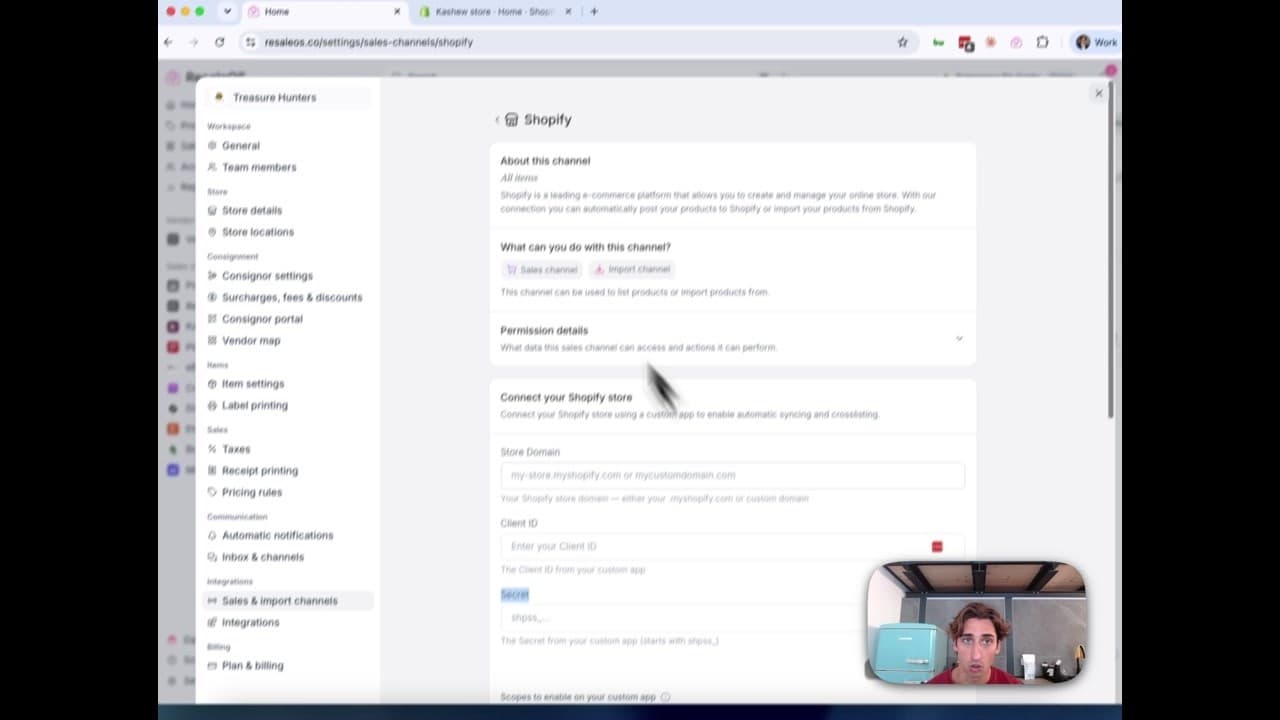
How to Connect Your Shopify Store to ResaleOS
Create a Shopify custom app, paste in the scopes ResaleOS gives you, and connect your store in a few minutes.
Vendoo → ResaleOS
How to move from Vendoo to ResaleOS
Moving from Vendoo takes about an hour, and nothing you have live gets re-listed or delisted. Connect the marketplaces you already sell on so your listings arrive with every photo, upload one export file from Vendoo for your drafts, labels and costs, and keep cross-listing from ResaleOS.
AI image editing
How image editing works — background removal, AI staging & batches
Remove backgrounds, add shadows, restage a product from a prompt, crop, colour-correct and watermark — on one photo or a whole batch. Which AI models run each job, what counts against your monthly photo edits, and how recipes replay your house style.
Import stock photos
How to import stock photos from the web
Type a product title and ResaleOS finds the same item on eBay, Poshmark, Mercari, Etsy and more — then lets you import their photos in one tap. Plus barcode lookup, Upload by URL, plan limits, and when to shoot your own photos instead.
Common questions, answered
Common questions — imports, marketplace limits & getting help
Quick answers to the questions we hear most: importing products from a CSV or spreadsheet, why Mercari listings ship free, Vinted availability, fixing Shopify permission pop-ups, backfilling past sales, eBay fees, the referral program, and where to get help.