Common questions, answered
Quick answers to the questions our support inbox hears most — from spreadsheet imports and marketplace quirks to permission pop-ups and where to find a human when you need one.
Can I upload my inventory from a CSV or spreadsheet?
Yes. Open Products, click the actions menu, and choose Import from Excel/CSV. The importer accepts .csv, .xls, and .xlsx files and walks you through three quick steps:
- Map your columns — match each column in your file (SKU, title, price, condition, consignor account, location, …) to the ResaleOS field it belongs to. Not sure about the format? There's a Download example CSV button right in the modal.
- Map your values — if your file uses its own labels (say, a status column with “ACTIVE” or a condition column with “EUC”), you match each value to its ResaleOS equivalent once and the importer applies it to every row.
- Import — products are bulk-created (or updated), and any image URLs in the file are downloaded and saved to your account automatically.
The same importer lives on the Sales and Accounts pages, so you can bring in past sales and consignor lists from spreadsheets too. And if you're moving from another consignment platform entirely, skip the spreadsheets — our free done-for-you migrations move everything for you.
Why do my Mercari listings always offer free shipping?
This one isn't a ResaleOS setting — it's a limitation of Mercari's public API. The only shipping method the API currently supports is seller-paid “ship on your own”, which buyers see as free shipping. Buyer-paid shipping and Mercari prepaid labels can't be set through the API at all, by any tool.
Until that changes, the practical fix is to bake your expected shipping cost into the item price for anything you cross-list to Mercari. We've asked Mercari to add the other shipping options to their API, and we'll support them the moment they exist.
Can US sellers connect Vinted?
Yes. Vinted connects the same way Poshmark and Depop do — pick I sell on Vinted as an individual under Settings → Sales channels and sign in through the secure browser window. There's no region restriction and no API key to apply for, and all seven operations work: publish, update, delist, import, listing sync, sales sync and reconcile.
Vinted Pro business sellers can connect the other way instead, with the access key and signing key from the Vinted Pro Integrations Portal. That programme is still European-business-only, which is why it's the alternative rather than the default. Either route lands in the same place. Questions? Reach us on What's new or at info@resaleos.co.
Shopify says ResaleOS is missing permissions — how do I fix it?
If a pop-up in ResaleOS tells you your Shopify connection is missing permissions (for example to read products or orders), the fix is to re-install the app on your Shopify store so the new permissions actually take effect:
- Follow the steps in the pop-up to add the missing scopes to your Shopify app in the Shopify dev dashboard (create a new version with the scopes, then click Release).
- On the app's Overview page, open the install link and click through the approval screen on your store.
Releasing a new version alone isn't enough
Your store keeps the old permissions until you re-install via the install link and approve the new ones. Nothing is lost by re-installing — it doesn't disconnect anything or touch your data; it just re-approves the app with the updated permissions.
Can you backfill my past sales from a connected channel?
Yes — and you don't have to do anything technical. When you connect a sales channel, ResaleOS starts tracking sales from that point forward. If you'd like your earlier sales history in ResaleOS too — so reports, analytics, and consignor balances reflect the full picture — just email info@resaleos.co (or reach out from Dashboard → Help) and tell us which channel and how far back you'd like to go. We'll run the historical import for you.
Does ResaleOS import my eBay fees?
Yes. When eBay reports the fee on an order, we import it and attach it to the sale automatically as an "Ebay fee" surcharge deducted from the store, so your margins reflect what you actually netted without any hand-entry.
Two things to know. The fee lands on store-owned items only — consignment lines are left alone, because what a consignor is owed is set by your split, not by eBay's fee. And eBay sometimes finalizes a fee after checkout; if a sale imported before the fee posted, it won't appear retroactively, so add that one manually as a surcharge.
New to surcharges? Here's how to add a surcharge — including how to set up a percentage-based one you can reuse on every eBay sale.
Is there an affiliate program? Can I share ResaleOS with a link?
Yes — every account comes with a built-in referral program. Open Refer & earn at the bottom of your dashboard sidebar (right above your account avatar) and hit Copy referral link. Share that link anywhere — a DM, social post, or email — and:
- They get 30% off their first year on any paid plan, stackable with other coupons.
- You earn a recurring monthly reward for as long as they stay subscribed — the amount varies by their plan, and it's paid out automatically once the ~30-day hold window passes. No clawbacks on rewards you've already earned.
The full details — hold windows, payout mechanics, what happens if a referral cancels — are in how the referral program works.
Where do I find help?
Wherever you're stuck, there's a fast way to a real person:
The Help page
In the app, open Dashboard → Help. It has the full knowledge base with search, plus direct email and phone contacts for the team.
Schedule a demo
Book a free 30-minute call — for a guided tour, setup help, or a specific question. Hit Schedule a Demo on the Help page, or book at resaleos.co/book-demo.
Email us
info@resaleos.co reaches the whole team — migrations, backfills, billing, bug reports, feature requests, anything.
The short version
CSV / spreadsheet import
Products → Import from Excel/CSV. Map columns, map values, done — image URLs download automatically.
Mercari free shipping
A Mercari API limitation — seller-paid shipping is the only option. Price shipping into the item; we've asked Mercari to expand the API.
Vinted availability
Open to everyone — sign in through the secure browser like Poshmark. The Vinted Pro API route stays European-business-only.
Shopify permissions pop-up
Add the scopes, release a new version, then re-install via the install link — releasing alone doesn't grant them.
Backfill past sales
Email support with the channel and date range — we run the historical import for you.
eBay fees
Imported automatically as a store-deducted surcharge on owned items. Consignment lines follow your split instead.
Affiliate / referral link
Refer & earn in your sidebar — they get 30% off year one, you earn a recurring monthly reward while they stay subscribed.
Still have a question?
Book a free 30-minute demo and ask us anything live, or email info@resaleos.co — a real person reads every message, usually the same day.
Frequently asked questions
Can I upload my inventory to ResaleOS from a CSV or spreadsheet?
Yes. On the Products page, open the actions menu and choose Import from Excel/CSV. ResaleOS accepts .csv, .xls, and .xlsx files, lets you map your columns to ResaleOS fields, downloads any image URLs in the file, and can bulk-create or update products. The same importer exists on the Sales and Accounts pages, and there is a sample CSV you can download to see the expected format.
Why do my Mercari listings always offer free shipping?
This is a limitation of Mercari's public API, not a ResaleOS setting: the only shipping method the API supports is seller-paid ship-on-your-own, which buyers see as free shipping. Price your items with shipping baked in. We have asked Mercari to add buyer-paid and prepaid-label options to their API and will support them as soon as they exist.
Can US sellers connect Vinted to ResaleOS?
Yes. Connect Vinted the same way you connect Poshmark or Depop: choose "I sell on Vinted as an individual" under Settings → Sales channels and sign in through the secure browser window. There is no region restriction and no API key to apply for. Vinted Pro business sellers can alternatively connect with their official Integrations API keys, which Vinted still grants to European business accounts only.
Shopify says ResaleOS is missing permissions — how do I fix it?
Re-install the app on your Shopify store so the new permissions take effect. After adding scopes and releasing a new app version in the Shopify dev dashboard, open the install link on the app’s Overview page and click through the approval screen. Releasing a version alone is not enough — your store keeps the old permissions until you re-install. Nothing is lost by re-installing; it just re-approves the app.
Can ResaleOS backfill my past sales from a connected marketplace?
Yes — contact support at info@resaleos.co (or from Dashboard → Help) and tell us which channel and how far back you want to go. We run the historical sales import for you, so your reports and consignor balances reflect sales made before you connected the channel.
Does ResaleOS import eBay fees?
Yes — when eBay reports the fee on an order we import it automatically and attach it to the sale as an “Ebay fee” surcharge deducted from the store, so your margins reflect what you actually netted. The fee is applied to store-owned items only; consignment lines follow your consignor split instead. If eBay finalized a fee after the sale imported, add that one manually as a surcharge.
Does ResaleOS have an affiliate or referral program?
Yes. Open Refer & earn at the bottom of your dashboard sidebar to grab your personal invite link. Anyone who signs up through it gets 30% off their first year, and you earn a recurring monthly reward for as long as they stay subscribed — paid out automatically once the roughly 30-day hold window passes.
Where do I get help with ResaleOS?
From Dashboard → Help you can browse the knowledge base, email or call the team directly, and schedule a free 30-minute demo. You can also book a demo at resaleos.co/book-demo or email info@resaleos.co any time.
Related Articles
The register
How the point of sale works — cart, tenders, drawers & receipts
The whole register, in the order a sale moves through it: scanning and pricing the cart, tax and surcharges, split tender and change due, card readers, layaway and gift cards, then drawer counts, register lock and receipts.
Rose → ResaleOS
How to move from Rose (Consignor Connect) to ResaleOS
Free, done-for-you move from Rose to ResaleOS. Rose runs on Square, so you connect Square with one click and your items, photos and sales arrive on their own. Rose's Contract List brings every consignor, split and balance, and each item is linked back to its consignor. Live by lunch, with your Square register still ringing.
Website builder
How the ResaleOS website builder works
Build a real website around your ResaleOS shop — clone your old site, start from a template, or describe it to AI. Plus favicon, social sharing, SEO and search-engine verification.
Add a video
How to add a video to a product
Upload a clip up to 500MB in almost any format; ResaleOS converts it and sends it to every channel that accepts video.
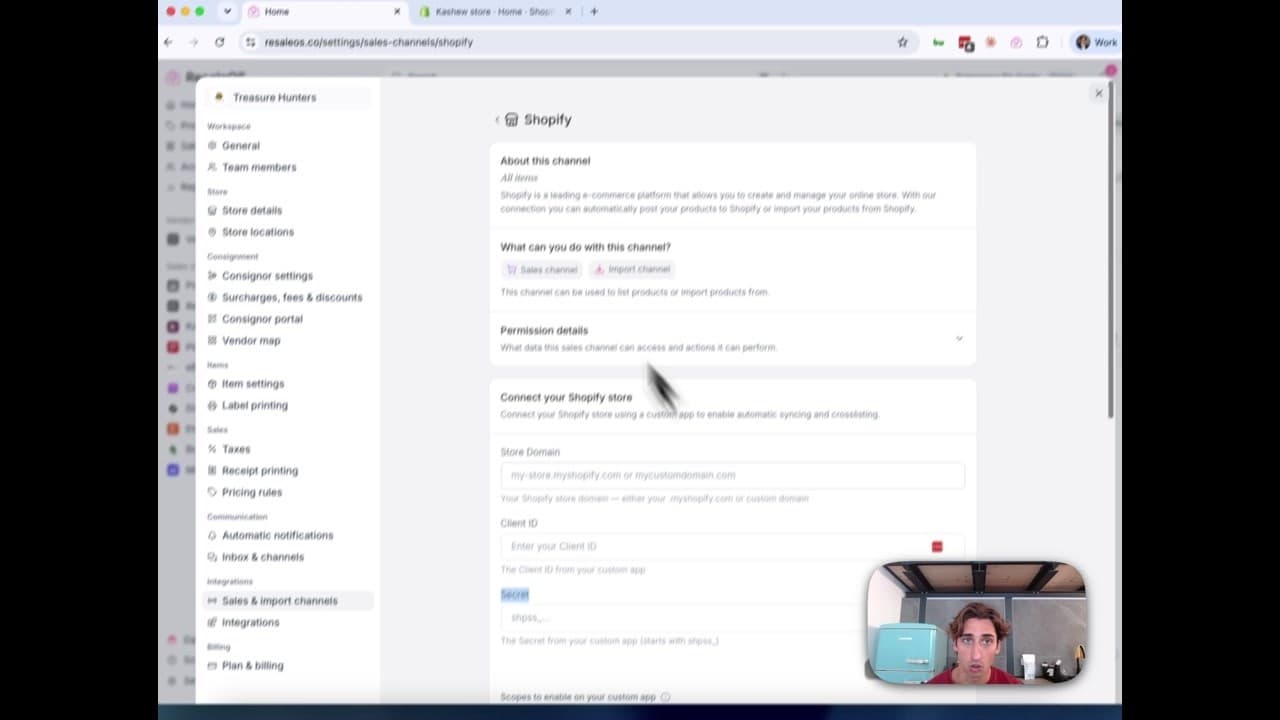
How to Connect Your Shopify Store to ResaleOS
Create a Shopify custom app, paste in the scopes ResaleOS gives you, and connect your store in a few minutes.
Vendoo → ResaleOS
How to move from Vendoo to ResaleOS
Moving from Vendoo takes about an hour, and nothing you have live gets re-listed or delisted. Connect the marketplaces you already sell on so your listings arrive with every photo, upload one export file from Vendoo for your drafts, labels and costs, and keep cross-listing from ResaleOS.
AI image editing
How image editing works — background removal, AI staging & batches
Remove backgrounds, add shadows, restage a product from a prompt, crop, colour-correct and watermark — on one photo or a whole batch. Which AI models run each job, what counts against your monthly photo edits, and how recipes replay your house style.
What we cover in a demo
ResaleOS overview — what we cover in a demo call
The same walkthrough we give on a live demo call, recorded so you can watch it now: inventory, building a listing from photos, the pricing engine, crosslisting, sales from every channel, your storefront, consignors and what it costs. Seven minutes, full transcript included.