How to Connect Your Sales Channels to ResaleOS
This guide provides step-by-step instructions on connecting various sales channels to ResaleOS, including eBay, Etsy, WooCommerce, and Mercari.
Connect your sales channels to ResaleOS
This guide shows you how to connect marketplaces to ResaleOS and bring your listings in. You’ll see eBay, Etsy, WooCommerce, and Mercari as examples. The flow is similar for other channels too.
Once connected, you can import products into ResaleOS and export (cross-list) your inventory back out. New channels are added all the time.
Step 1: Open Sales & Import Channels
- In ResaleOS, click Settings.
- Click Sales & Import Channels.
- You’ll see tiles for each marketplace you can connect.
Step 2: Connect eBay
- Click the eBay tile (or Connect eBay).
- If you’re already logged in to eBay in your browser, the connection may complete instantly. If not, sign in to eBay and approve access.
Import eBay locations and policies
- After connecting, ResaleOS will detect your eBay Business Locations and Policies (payment, shipping, return).
- Click Import on the ones you want. This saves time when you list later.
Step 3: Connect Etsy
- Click the Etsy tile (or Connect Etsy).
- Sign in to Etsy and Allow access to ResaleOS.
Import Etsy shipping profiles
- After connecting, ResaleOS will find your Shipping Profiles.
- Click Import to bring them into ResaleOS.
Step 4: Connect WooCommerce
- Click the WooCommerce tile.
- Enter your store URL (for example, https://yourstore.com).
- Click Connect WooCommerce.
- Approve the connection inside your WooCommerce admin when prompted.
After approval, your WooCommerce store shows as connected in ResaleOS.
Step 5: Connect Mercari
- Click the Mercari tile.
- Sign in (if asked) and Allow access.
- You’ll be redirected back to ResaleOS with Mercari connected.
Step 6: Import products from a connected channel
You can import single products or do a bulk import. Here’s a quick single-item example using eBay (works similarly for other channels):
- In Sales & Import Channels, click your connected eBay account.
- Click Import from eBay.
- Click Import product.
- Wait a moment. Then go to your Inventory — your eBay product is now in ResaleOS.
There’s also a bulk import flow for bringing in many listings at once.
Step 7: Export (cross-list) your products
After connecting channels, you can export products from ResaleOS to those marketplaces — like Etsy, eBay, Mercari, WooCommerce, and more. This lets you cross-list quickly. There’s a separate demo focused on exporting, but the key idea is: connect the channel once, then push your products out whenever you’re ready.
Tips and notes
- Stay signed in: For eBay (and sometimes others), being logged in on the same browser can make the connection instant.
- Allow pop-ups: If nothing happens when you click Connect, disable your pop-up blocker and try again.
- WooCommerce specifics: Use your full site URL (with https). You’ll need admin access to approve the app connection in WooCommerce.
- Import policies/profiles: Pull in your eBay policies and Etsy shipping profiles right after connecting. It speeds up listing later.
- Pick the right account: If you have multiple marketplace logins, double-check you’re connecting the correct one.
- Refresh if needed: After connecting or importing, give it a moment and refresh the page to see changes.
- More channels: You can connect many other marketplaces too, and new ones are added regularly.
That’s it. Connect your channels, import your listings, and you’re ready to cross-list with ResaleOS.
Frequently asked questions
How do I connect my eBay account to ResaleOS?
Click the eBay tile in ResaleOS and log in to approve access. Once connected, you can import your eBay locations and policies.
Can I import products from multiple channels at once?
Yes, ResaleOS offers a bulk import feature that allows you to bring in multiple listings from connected channels.
What should I do if I encounter issues connecting a channel?
Ensure you're logged into the respective marketplace account and check for any permission prompts during the connection process.
Is it possible to export products back to the marketplaces?
Yes, after connecting your channels, you can export (cross-list) your products from ResaleOS back to the connected marketplaces.
Which marketplaces can I connect to ResaleOS?
Currently, you can connect eBay, Etsy, WooCommerce, and Mercari, with more channels being added regularly.
Related Articles
The register
How the point of sale works — cart, tenders, drawers & receipts
The whole register, in the order a sale moves through it: scanning and pricing the cart, tax and surcharges, split tender and change due, card readers, layaway and gift cards, then drawer counts, register lock and receipts.
Rose → ResaleOS
How to move from Rose (Consignor Connect) to ResaleOS
Free, done-for-you move from Rose to ResaleOS. Rose runs on Square, so you connect Square with one click and your items, photos and sales arrive on their own. Rose's Contract List brings every consignor, split and balance, and each item is linked back to its consignor. Live by lunch, with your Square register still ringing.
Website builder
How the ResaleOS website builder works
Build a real website around your ResaleOS shop — clone your old site, start from a template, or describe it to AI. Plus favicon, social sharing, SEO and search-engine verification.
Add a video
How to add a video to a product
Upload a clip up to 500MB in almost any format; ResaleOS converts it and sends it to every channel that accepts video.
How to Connect Your Shopify Store to ResaleOS
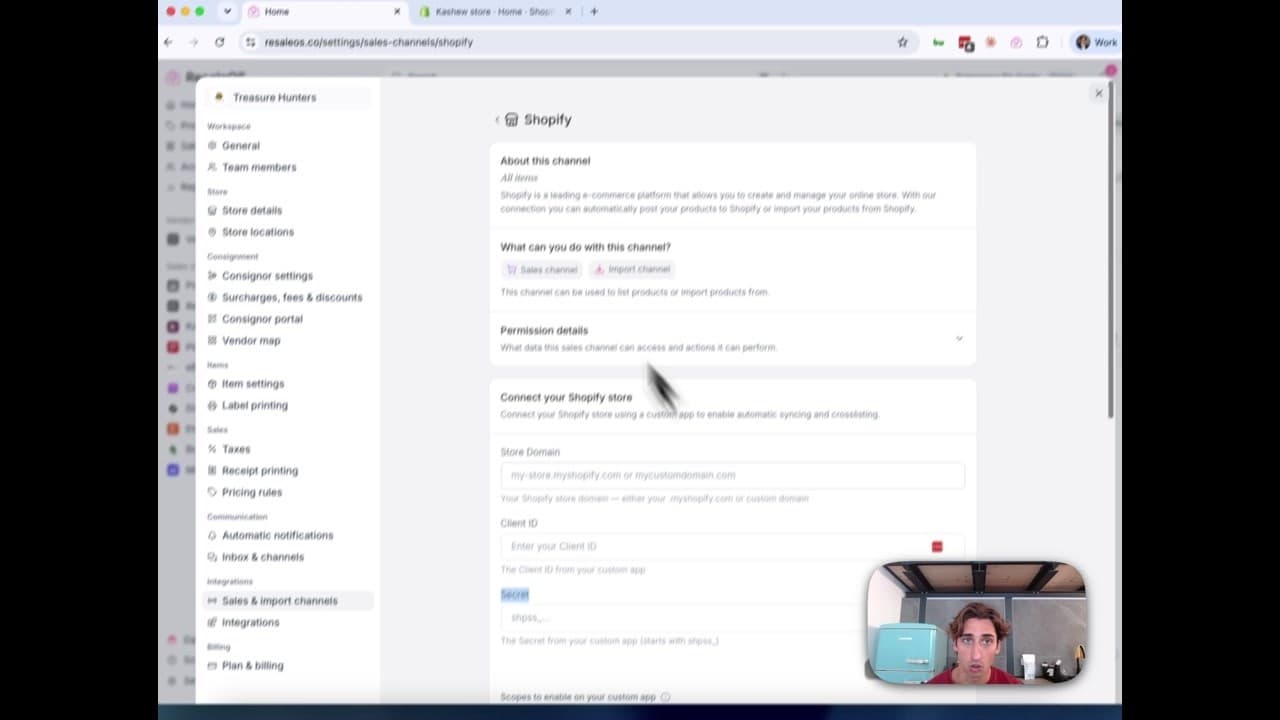
Create a Shopify custom app, paste in the scopes ResaleOS gives you, and connect your store in a few minutes.
Vendoo → ResaleOS
How to move from Vendoo to ResaleOS
Moving from Vendoo takes about an hour, and nothing you have live gets re-listed or delisted. Connect the marketplaces you already sell on so your listings arrive with every photo, upload one export file from Vendoo for your drafts, labels and costs, and keep cross-listing from ResaleOS.
AI image editing
How image editing works — background removal, AI staging & batches
Remove backgrounds, add shadows, restage a product from a prompt, crop, colour-correct and watermark — on one photo or a whole batch. Which AI models run each job, what counts against your monthly photo edits, and how recipes replay your house style.
QuickBooks integration
How the QuickBooks integration works — sales, payables & payouts
Connect QuickBooks Online once and every sale, refund, consignor payable, payout and inventory movement books itself as the right kind of QuickBooks document. How to connect, what maps to what, and what deliberately does not sync.

Get started
Put what you've learned into practice. Start listing, managing inventory, and selling across channels today.