Import Products into ResaleOS from Your Stores and Marketplaces
Discover how to save time by importing your existing products into ResaleOS from platforms like WooCommerce and Etsy.
Import products into ResaleOS from your stores and marketplaces
Save time by importing your existing products into ResaleOS. You don’t need to create items by hand. Connect your source (WooCommerce, Shopify, eBay, Etsy, CSV/Excel, or your inventory/consignment system), add optional import rules, and bring everything in with one click.
Before you start
- Have login access to the source account (e.g., your WooCommerce or Etsy admin).
- For WooCommerce, know your store URL (for example: https://yourstore.com).
- Make sure products in your source have key details (photos, SKU, price, dimensions) for best results.
- If you’re testing, start with a small set of items to review the results.
Step 1: Connect your source (example: WooCommerce)
- In ResaleOS, open the Imports area.
- Click WooCommerce.
- Paste your store URL (your public site address, e.g., https://yourstore.com).
- Click Connect to WooCommerce.
- Approve the connection on the WooCommerce screen that opens.
- You’ll be sent back to ResaleOS. Confirm your store address when prompted.
- Click Save changes.
Your WooCommerce store is now connected as an import channel.
Step 2: Add optional import instructions (AI-powered)
You can add simple, natural-language rules to clean up and optimize your data during import. ResaleOS will apply these automatically.
Examples you can paste:
- Increase all prices by 10%.
- Make descriptions more friendly and readable.
- Add the item SKU to the end of the description.
Type your instructions in the import instructions box. Keep it simple and specific.
Step 3: Run the import
- Make sure WooCommerce shows as your selected import channel.
- Click Import products.
- Wait a few seconds for small catalogs. Larger catalogs may take longer.
- Click View to see the newly imported products.
- Open a product to spot-check details like photos, title, description, price, SKU, and dimensions.
If you had a few items already in ResaleOS, that’s fine—the import will still complete and show what came in from your source.
Import from other platforms (Etsy, Shopify, eBay, CSV, and more)
- To import from another source, switch your import channel. For example, choose Etsy, then click Import products.
- If it’s your first time connecting that source, you’ll be asked to approve the connection—just like WooCommerce.
- ResaleOS supports many systems and adds new integrations regularly. You can also import from an Excel/CSV file or your inventory/consignment management system.
Tips and notes
- Use the exact store URL: For WooCommerce, enter the same URL your customers use to visit your store.
- Address prompt: When asked, use your main store or shipping/return address.
- AI rules: After the first import, review a few items to confirm your instructions did what you expected (like price changes or description edits).
- Large catalogs: Longer imports are normal. Keep the tab open until it finishes.
- Re-run anytime: You can run imports again when you add new items to your source.
- Next step: Once items are in ResaleOS, use cross-listing to publish to eBay, Etsy, Poshmark, Mercari, Shopify, Facebook Marketplace, and more.
Frequently asked questions
What platforms can I import products from?
You can import products from WooCommerce, Shopify, eBay, Etsy, CSV/Excel, and other inventory systems.
Do I need to manually create products in ResaleOS?
No, you can import your existing products directly, saving time and effort.
What should I prepare before starting the import?
Ensure you have login access to your source account and that your products have key details like photos and SKUs.
How can I optimize my product data during import?
You can add optional, simple import instructions to clean up and optimize your data automatically.
What if I encounter issues during the import process?
If you have problems, check your connection settings and ensure all required product details are present.
Related Articles
The register
How the point of sale works — cart, tenders, drawers & receipts
The whole register, in the order a sale moves through it: scanning and pricing the cart, tax and surcharges, split tender and change due, card readers, layaway and gift cards, then drawer counts, register lock and receipts.
Rose → ResaleOS
How to move from Rose (Consignor Connect) to ResaleOS
Free, done-for-you move from Rose to ResaleOS. Rose runs on Square, so you connect Square with one click and your items, photos and sales arrive on their own. Rose's Contract List brings every consignor, split and balance, and each item is linked back to its consignor. Live by lunch, with your Square register still ringing.
Website builder
How the ResaleOS website builder works
Build a real website around your ResaleOS shop — clone your old site, start from a template, or describe it to AI. Plus favicon, social sharing, SEO and search-engine verification.
Add a video
How to add a video to a product
Upload a clip up to 500MB in almost any format; ResaleOS converts it and sends it to every channel that accepts video.
Bulk edit
How to bulk edit products
Change category, price, brand, tags, consignor or shipping details on thousands of products at once, in a spreadsheet-style grid.
Possible duplicates
How to find and merge duplicate items
Find items entered twice — same SKU, title, or photo — and merge them without losing a listing, a sale, or a consignor payout.
What's it worth?
How to find what an item is worth
Pull real sold comps and live listings from twenty-plus marketplaces and get a suggested price for any item, right from the product page.
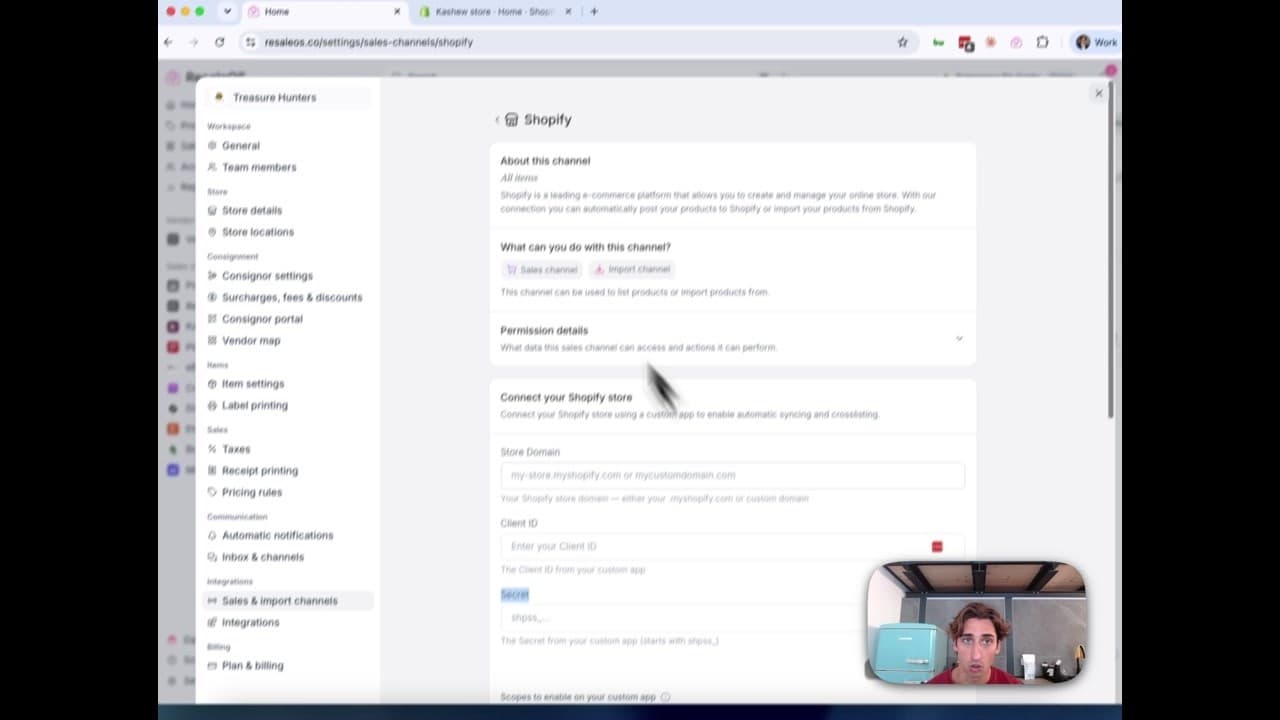
How to Connect Your Shopify Store to ResaleOS
Create a Shopify custom app, paste in the scopes ResaleOS gives you, and connect your store in a few minutes.

Get started
Put what you've learned into practice. Start listing, managing inventory, and selling across channels today.