Run multiple stores from one account
You can now manage more than one store from a single ResaleOS login. Each store is its own separate space — with its own inventory, sales channels, team, and settings — and you switch between them in one click. Best of all, because every store keeps its own connections, you can finally connect two of the same sales channel — like two Shopify accounts or two eBay accounts — one per store.
What multiple stores unlock
A store (also called a workspace) is a self-contained business inside your account. Here is what having more than one gives you:
No second email, no logging out
Every store you run lives under the same ResaleOS account. Hop between them from one menu, any time.
Two Shopify or two eBay accounts
A single store connects one of each channel. Need a second Shopify or eBay? Put it in its own store — no limit.
Nothing bleeds between stores
Inventory, sales, reports, and team members stay cleanly scoped to each store, so your books never mix.
Switch between your stores
In the top-right corner, click your store badge (the store logo or initials with the store name). A dropdown lists every store you belong to — your current one has a checkmark. Click any other store to switch to it. ResaleOS reloads with that store's inventory, channels, and settings.
Add a new store
In that same dropdown, click Add additional store. Choose a plan and enter payment — your new store is created once you subscribe, then you'll name it and connect its sales channels. Each additional store is billed as an add-on to your existing subscription, at 30% off for as long as you keep it.
Only a store Owner can add stores, and your main store needs an active subscription first.
How connecting the same channel twice works
Sales-channel connections belong to a store, not to your account. A single store can hold one Shopify, one eBay, one Poshmark, and so on. To connect a second Shopify or eBay, simply create a second store and connect the other account there — each store keeps its own set of connections, fully independent.
Common questions
One login for everything
You never need a separate email or password per store. A single ResaleOS account gives you access to all of them — just switch from the top-right menu.
Roles are per store
Invite different people to each store as Owner, Manager, Lister, or Viewer. Someone can be an Owner of one store and a Lister on another — access is set independently.
Billing is per store
Each store has its own subscription, added as an add-on to your existing plan at 30% off, forever — so it all stays under one account and one payment method.
Inventory stays separate
Products live inside a single store and don't cross over. If you need to move items between stores, reach out and we'll help you sort it.
Running more than one business?
Spin up a second store in minutes, connect its own Shopify or eBay account, and keep everything under one login. We're happy to help you set it up on a quick call.
Related Articles
The register
How the point of sale works — cart, tenders, drawers & receipts
The whole register, in the order a sale moves through it: scanning and pricing the cart, tax and surcharges, split tender and change due, card readers, layaway and gift cards, then drawer counts, register lock and receipts.
Rose → ResaleOS
How to move from Rose (Consignor Connect) to ResaleOS
Free, done-for-you move from Rose to ResaleOS. Rose runs on Square, so you connect Square with one click and your items, photos and sales arrive on their own. Rose's Contract List brings every consignor, split and balance, and each item is linked back to its consignor. Live by lunch, with your Square register still ringing.
Website builder
How the ResaleOS website builder works
Build a real website around your ResaleOS shop — clone your old site, start from a template, or describe it to AI. Plus favicon, social sharing, SEO and search-engine verification.
Add a video
How to add a video to a product
Upload a clip up to 500MB in almost any format; ResaleOS converts it and sends it to every channel that accepts video.
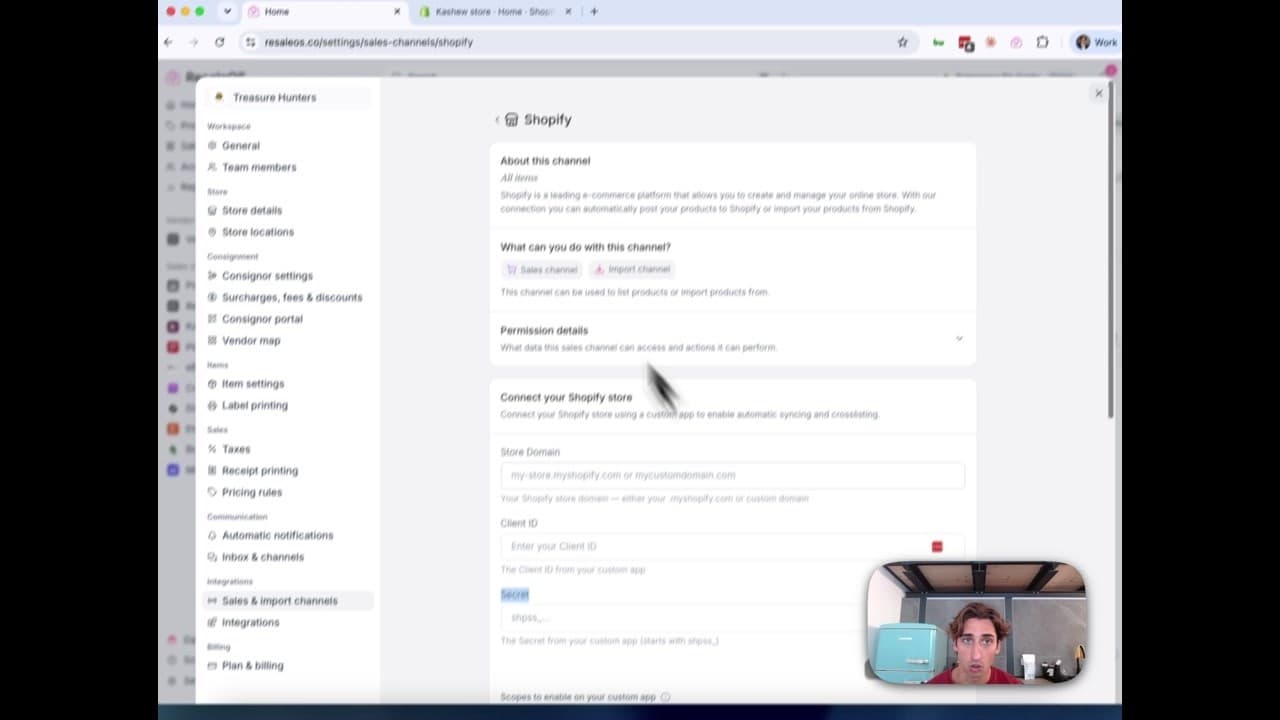
How to Connect Your Shopify Store to ResaleOS
Create a Shopify custom app, paste in the scopes ResaleOS gives you, and connect your store in a few minutes.
Print payout checks
How check printing works — bank accounts, templates & voucher stubs
Print consignor payout checks on pre-printed bank stock or blank security paper, with an itemised payout stub on the same sheet. Bank accounts and check numbering, the template editor, printing a batch, and tracking a check until it clears.
Vendoo → ResaleOS
How to move from Vendoo to ResaleOS
Moving from Vendoo takes about an hour, and nothing you have live gets re-listed or delisted. Connect the marketplaces you already sell on so your listings arrive with every photo, upload one export file from Vendoo for your drafts, labels and costs, and keep cross-listing from ResaleOS.
AI image editing
How image editing works — background removal, AI staging & batches
Remove backgrounds, add shadows, restage a product from a prompt, crop, colour-correct and watermark — on one photo or a whole batch. Which AI models run each job, what counts against your monthly photo edits, and how recipes replay your house style.