How to add a video to a product
A ten-second clip showing how a zip runs, how a chair wobbles, or that a watch still ticks answers the questions buyers would otherwise message you about. Video uploads the same way photos do, and ResaleOS handles the conversion.
Open the product and drop the clip in
Video goes in the same media area as your photos, at the top of the product form — drag it in or click to pick a file. Shot a batch? Upload the clips to Photo Studio with the rest of the shoot; picking one for a product, or creating a product from it, attaches it as the product's video. Recording on your phone and editing on your laptop? Upload from the phone; ResaleOS is a web app, so the product page works the same on both.
Wait for it to finish processing
Every upload is converted to MP4 in the background. That takes a moment after the upload bar finishes — the clip is not ready to send to a marketplace until it has. Your original file is kept as-is; the converted copy is what gets published.
Crosslist as usual
Nothing extra to switch on. When you publish, the video is included for every channel that accepts one, and quietly skipped for the ones that do not.
Size, formats, and where it lands
Up to 500MB per clip
Generous on purpose — an unedited phone recording rarely needs trimming first. Over the limit, the uploader tells you the file size and asks you to trim it or export at a lower resolution.
Almost any format
MP4, MOV, M4V, WebM, MKV, AVI and most phone recordings, including iPhone HEVC .mov. We convert rather than reject, so you do not need to know what your camera produced.
Sent where it is supported
eBay, Etsy, Shopify, Poshmark, Whatnot and Facebook Marketplace take product video, and your ResaleOS storefront plays it in the photo carousel. Everywhere else just gets the photos. Poshmark, Whatnot and Facebook accept one clip per listing, and a video that fails to attach never blocks the listing itself.
Videos on items you imported
When you import from eBay we pull the listing video across with the photos. Other channels do not expose video to us on import, so an item that came from Poshmark or Depop arrives with photos only — re-upload the clip here and it will go out on your next publish.
Show it, don't describe it
One clip, uploaded once, published everywhere that takes it.
Related Articles
Website builder
How the ResaleOS website builder works
Build a real website around your ResaleOS shop — clone your old site, start from a template, or describe it to AI. Plus favicon, social sharing, SEO and search-engine verification.
Bulk edit
How to bulk edit products
Change category, price, brand, tags, consignor or shipping details on thousands of products at once, in a spreadsheet-style grid.
Possible duplicates
How to find and merge duplicate items
Find items entered twice — same SKU, title, or photo — and merge them without losing a listing, a sale, or a consignor payout.
What's it worth?
How to find what an item is worth
Pull real sold comps and live listings from twenty-plus marketplaces and get a suggested price for any item, right from the product page.
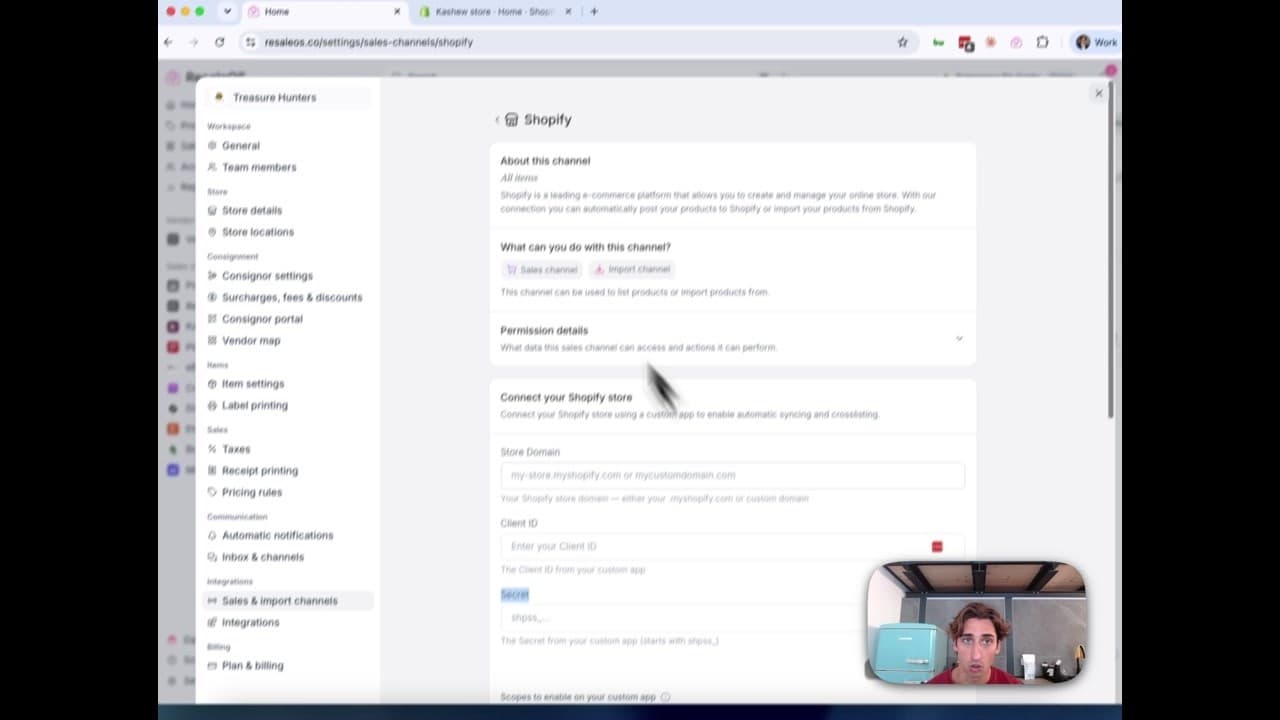
How to Connect Your Shopify Store to ResaleOS
Create a Shopify custom app, paste in the scopes ResaleOS gives you, and connect your store in a few minutes.
Vendoo → ResaleOS
How to move from Vendoo to ResaleOS
Moving from Vendoo takes about an hour, and nothing you have live gets re-listed or delisted. Connect the marketplaces you already sell on so your listings arrive with every photo, upload one export file from Vendoo for your drafts, labels and costs, and keep cross-listing from ResaleOS.
AI image editing
How image editing works — background removal, AI staging & batches
Remove backgrounds, add shadows, restage a product from a prompt, crop, colour-correct and watermark — on one photo or a whole batch. Which AI models run each job, what counts against your monthly photo edits, and how recipes replay your house style.
Custom product fields
How to create custom product fields
Add your own fields to every product — serial number, country of manufacture, author, shelf location. Create them under Item settings, fill them in on the product form or in bulk, and send them out to your sales channels on every export.