Knowledge Base
Everything you need to know about ResaleOS. Step-by-step guides, video tutorials, and answers to common questions.
Demo modules
A guided video course through everything ResaleOS can do — watch start to finish or jump to any topic.

Module 1
The Basics
6 lessons · 18 min

Module 2
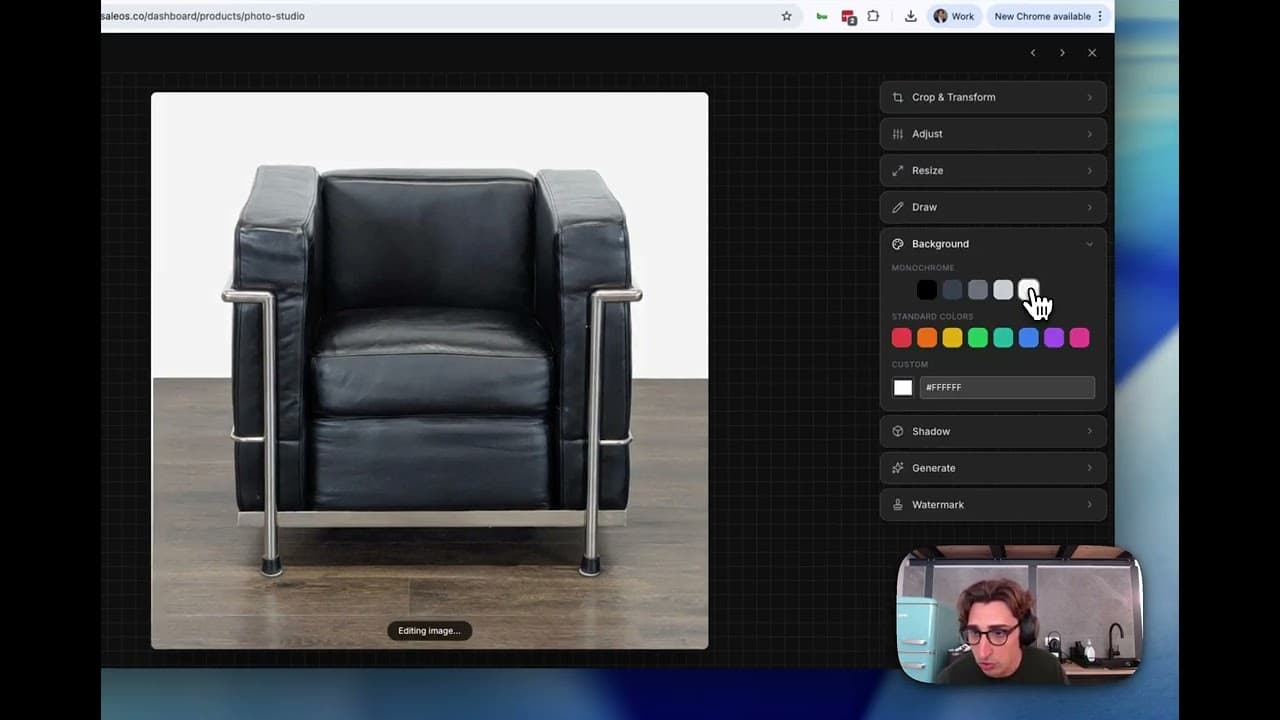
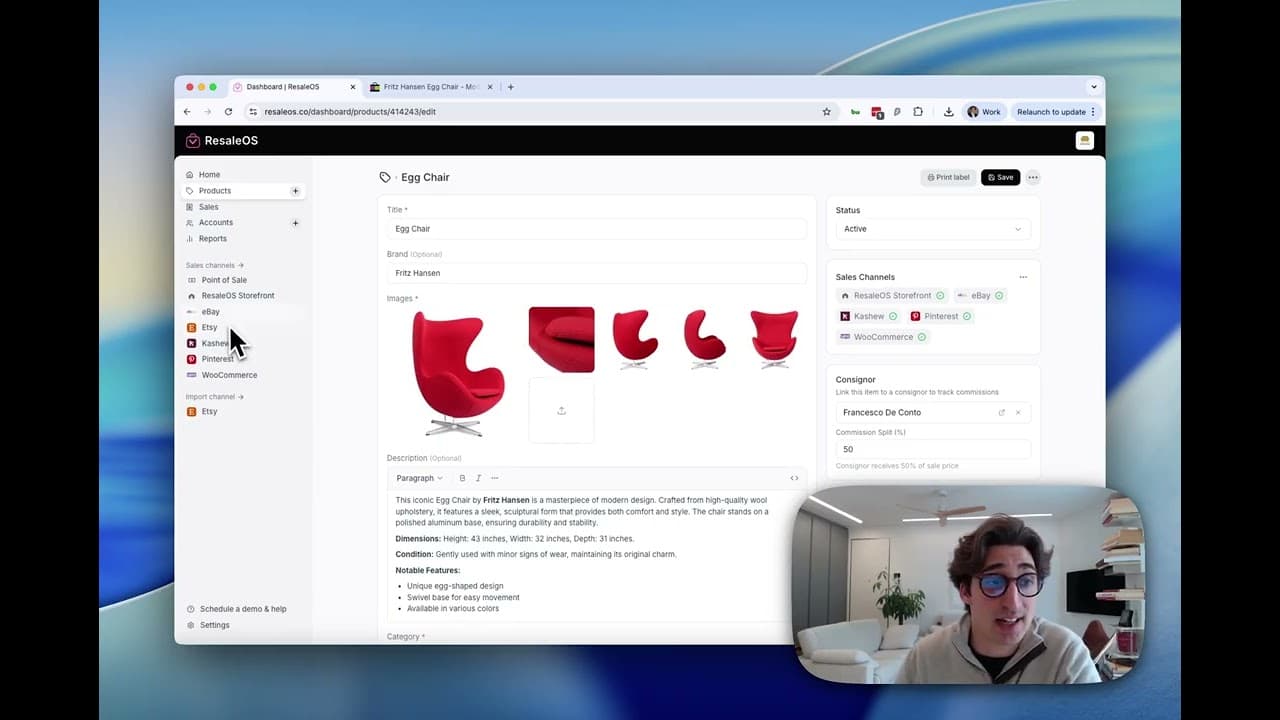
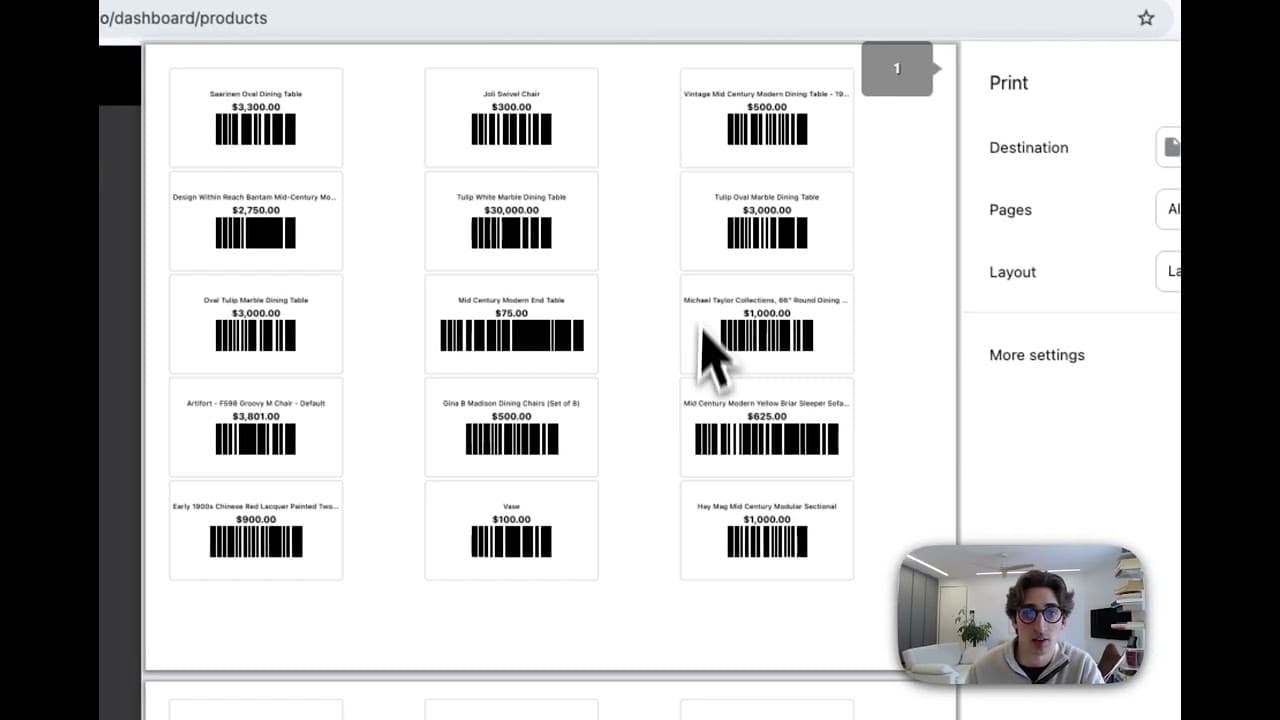
Products / Inventory tab
11 lessons · 40 min
Module 3
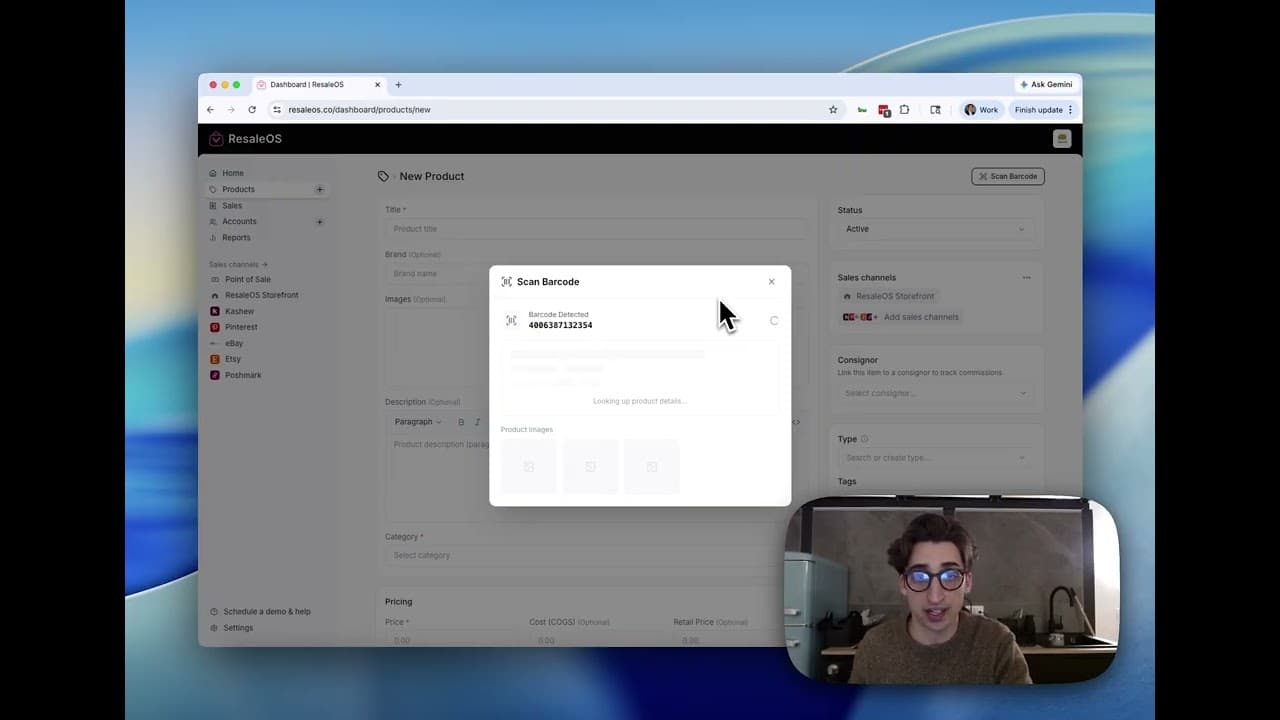
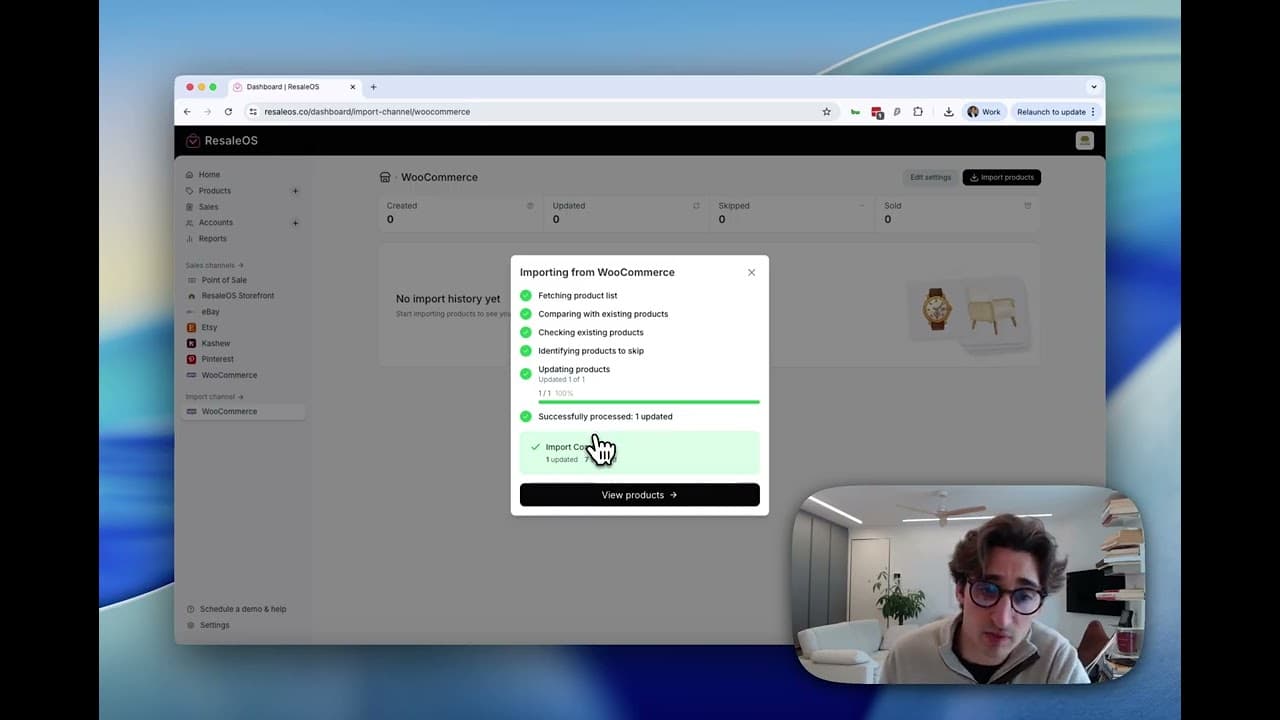
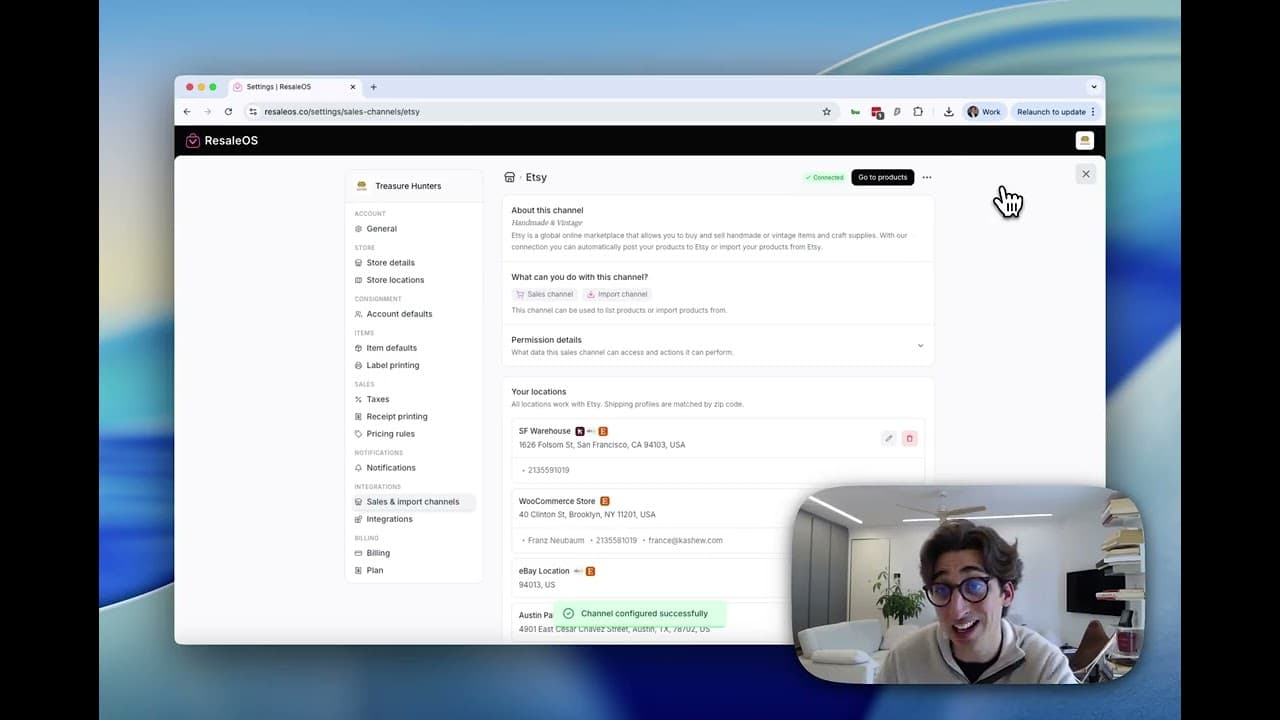
Importing / exporting / syncing
Connect external channels and move inventory in and out of ResaleOS.
Module 4
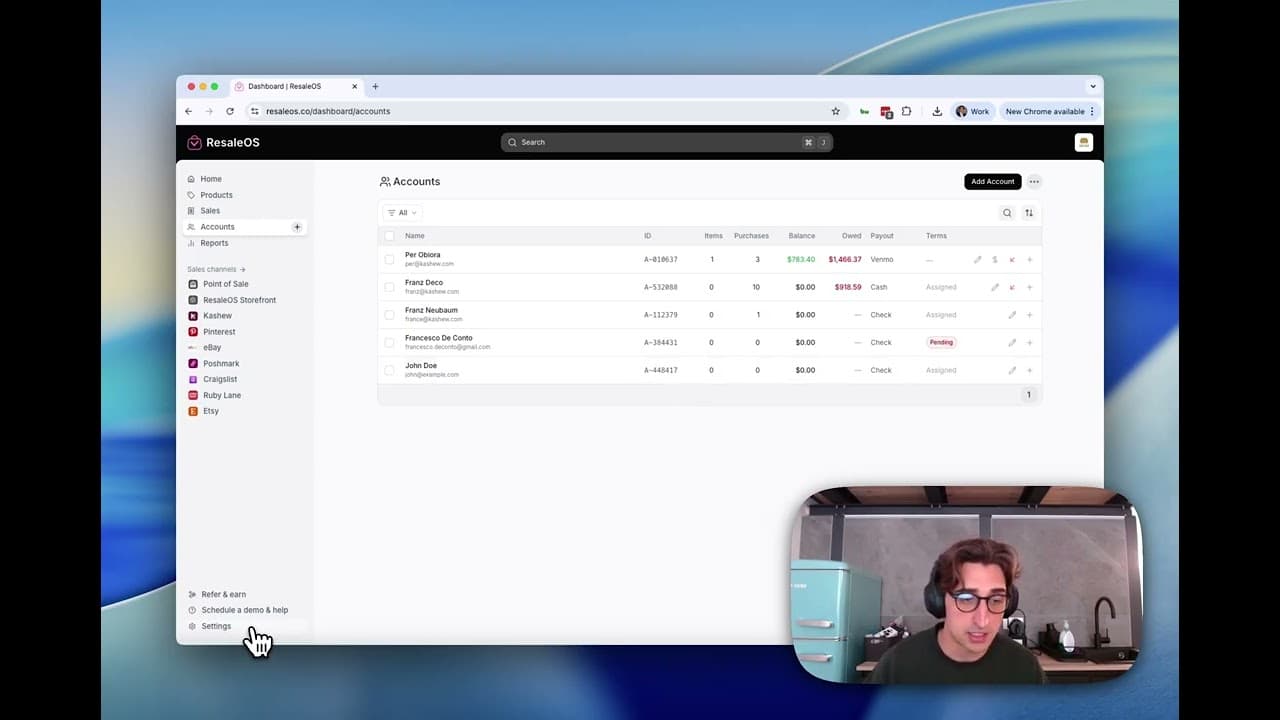
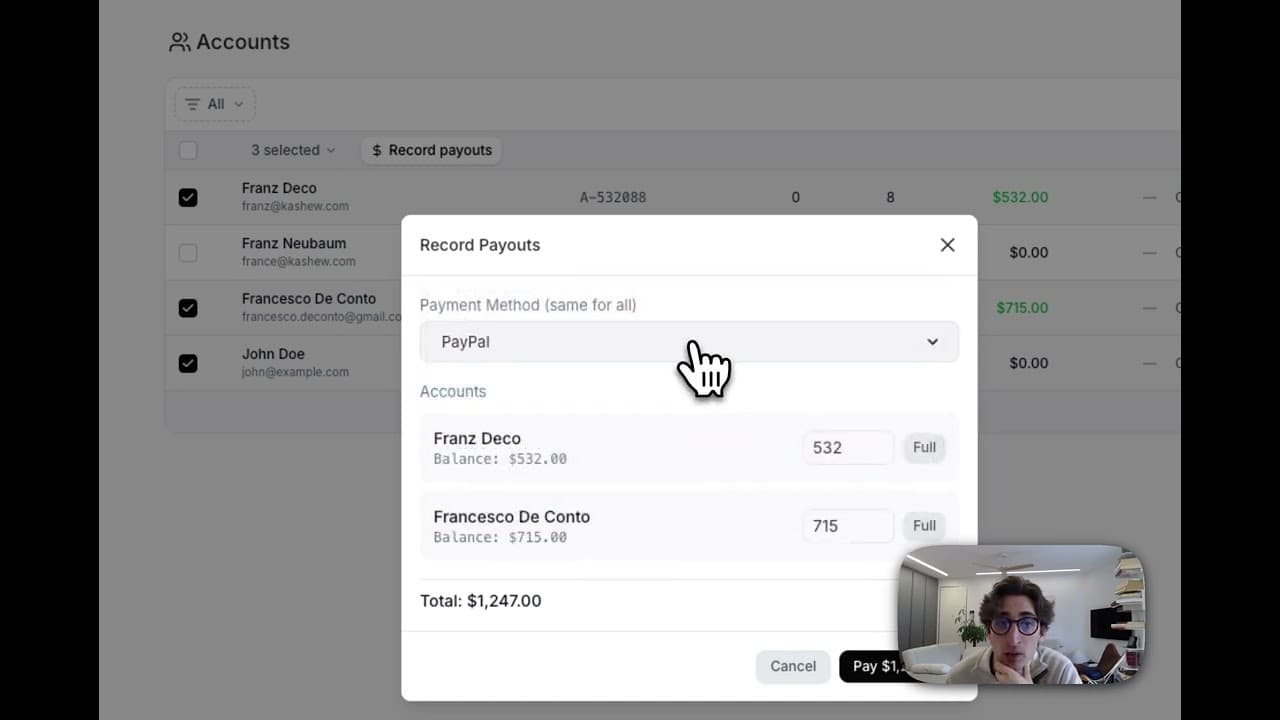
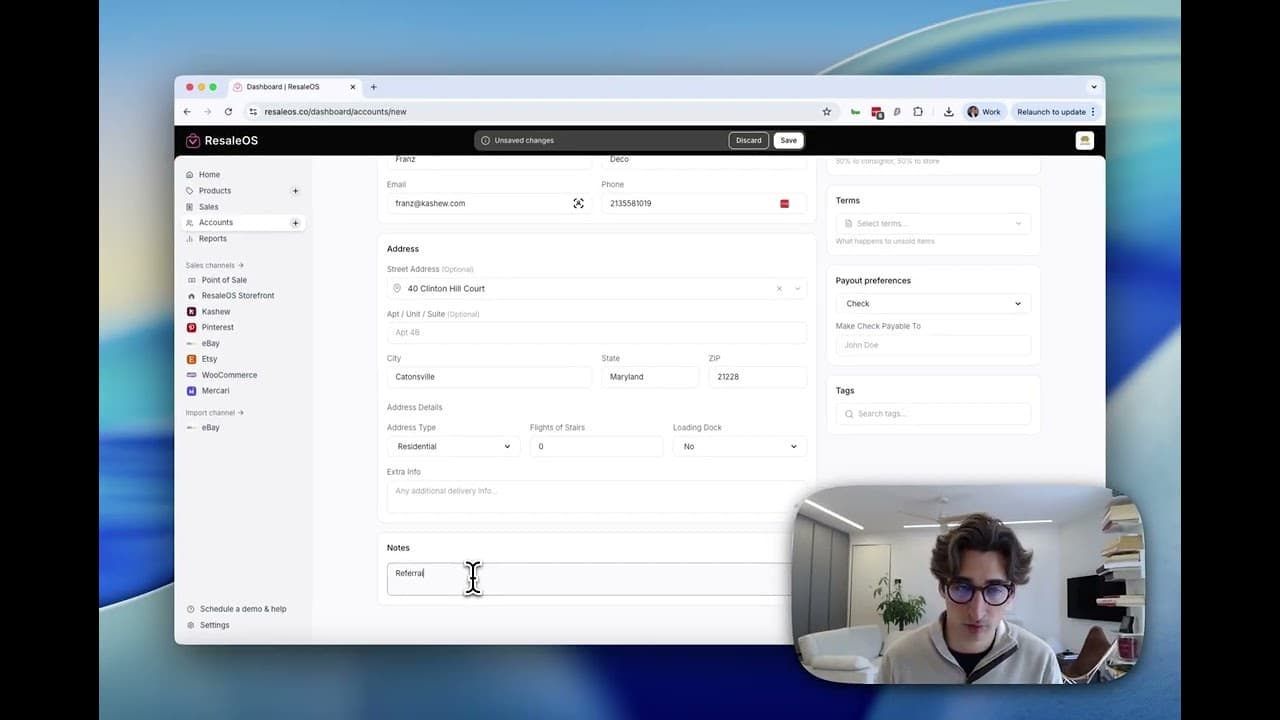
Accounts (customers, vendors, consignors)
Manage the people you do business with and how they get paid.
Module 5
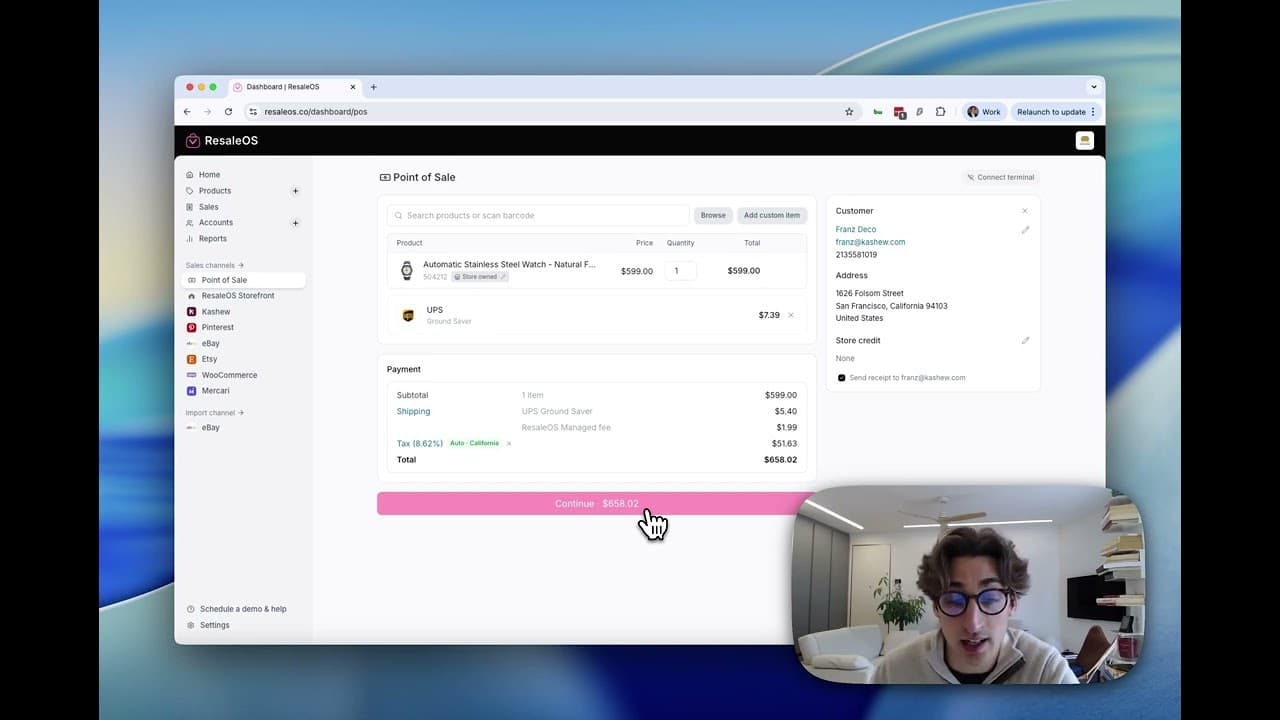
The Point of Sale
Ring up sales in person with the ResaleOS POS.
Module 6
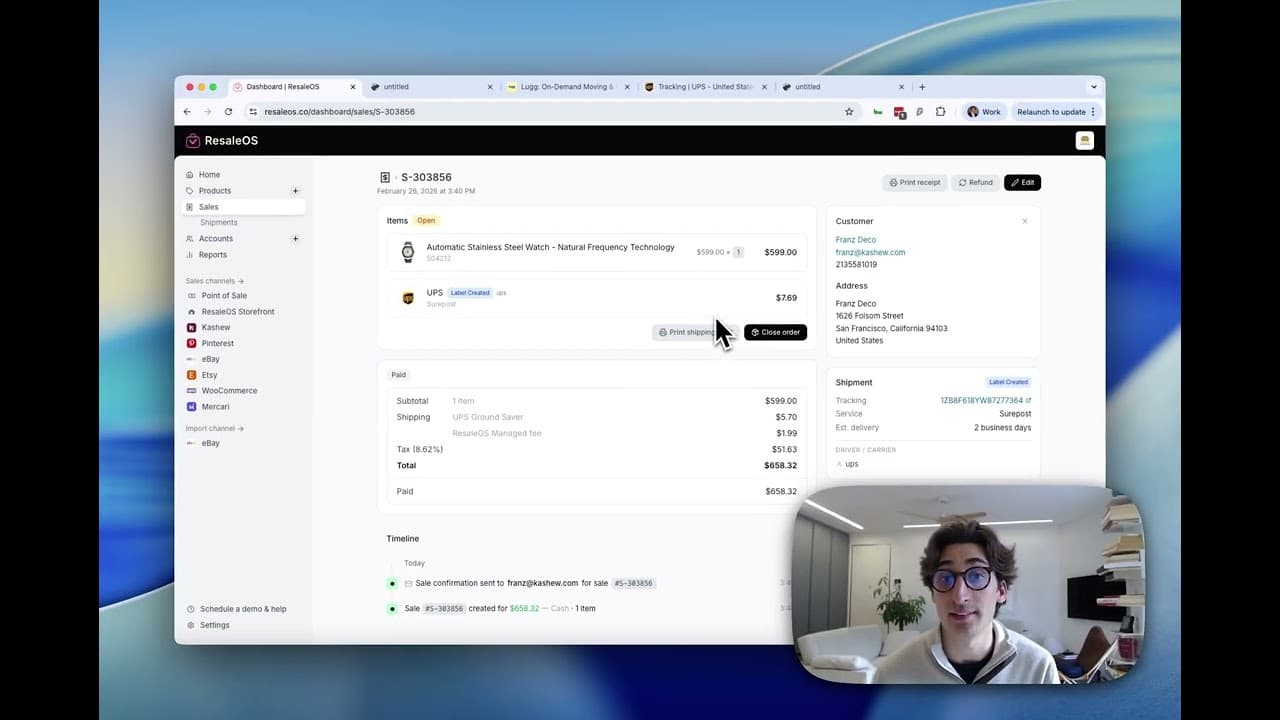
Sales & Shipments
Review, update, and fulfill sales — including those from external channels.
Module 7
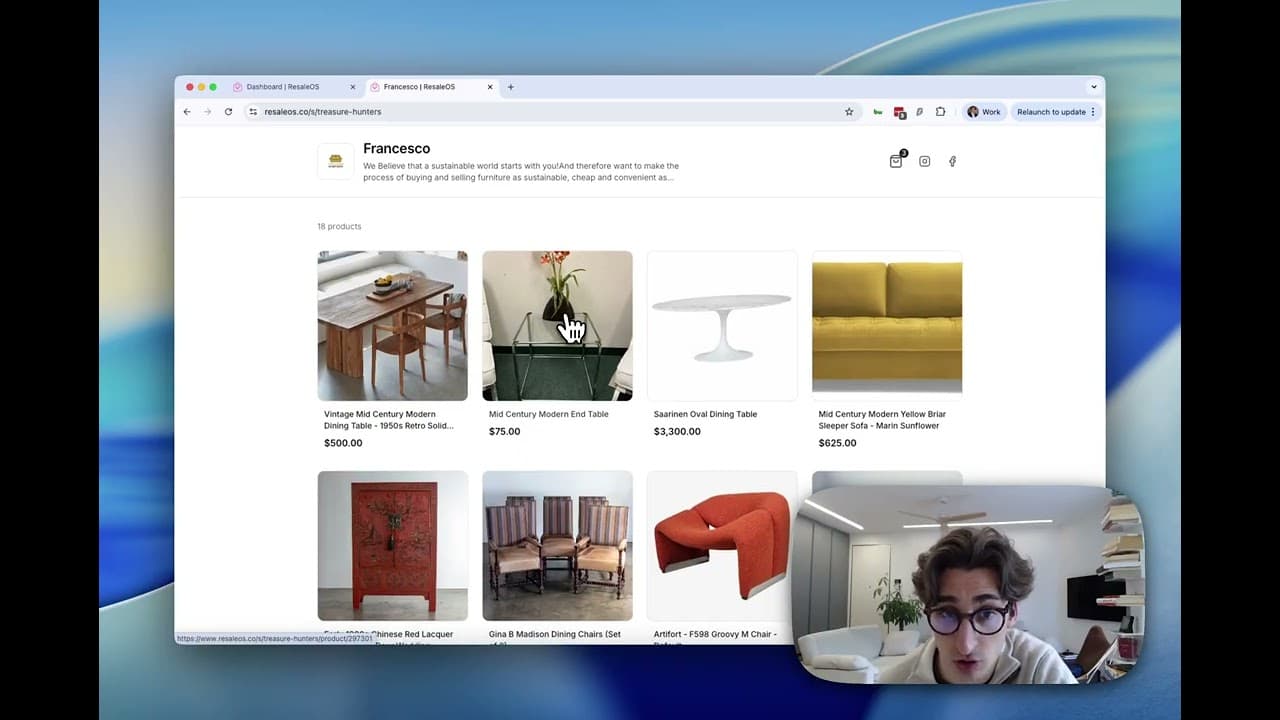
The ResaleOS Storefront
Sell online with your own ResaleOS storefront.
Module 8
Reports
Understand your business with ResaleOS reports.
Module 9
Getting started
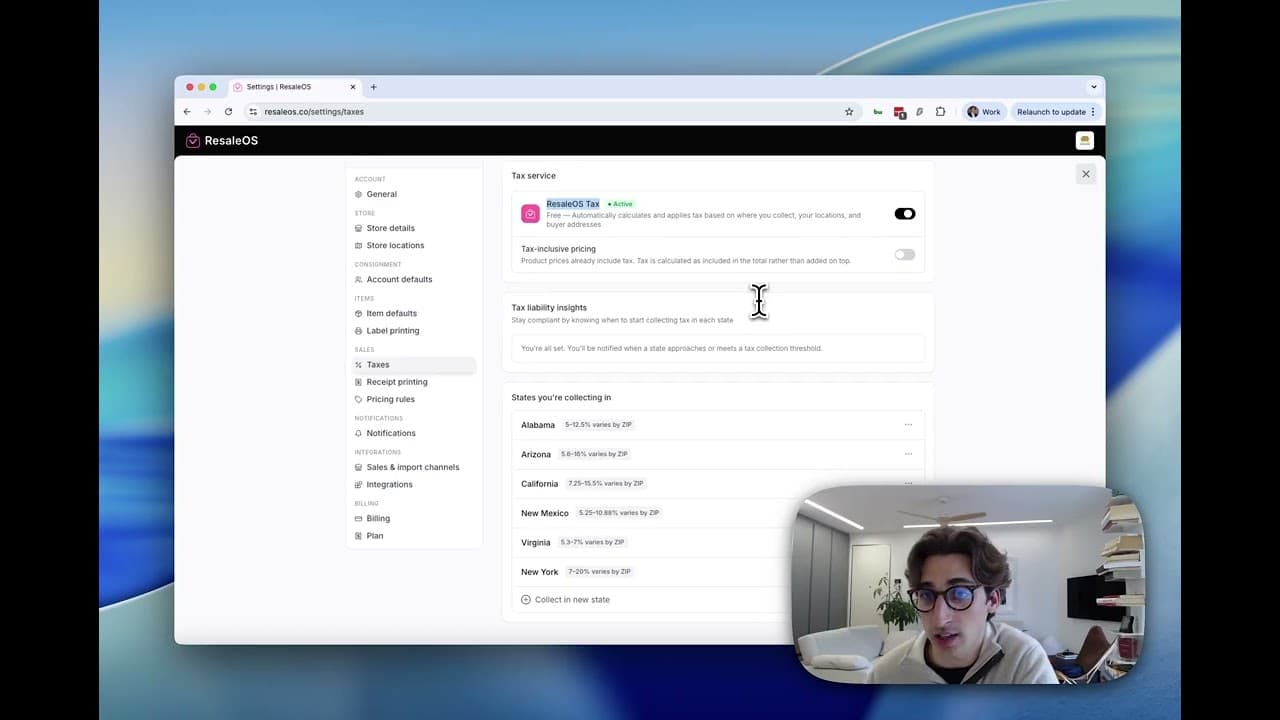
Plans, help, migrating your data, and the tools that surround ResaleOS.