Knowledge Base
Everything you need to know about ResaleOS. Step-by-step guides, video tutorials, and answers to common questions.
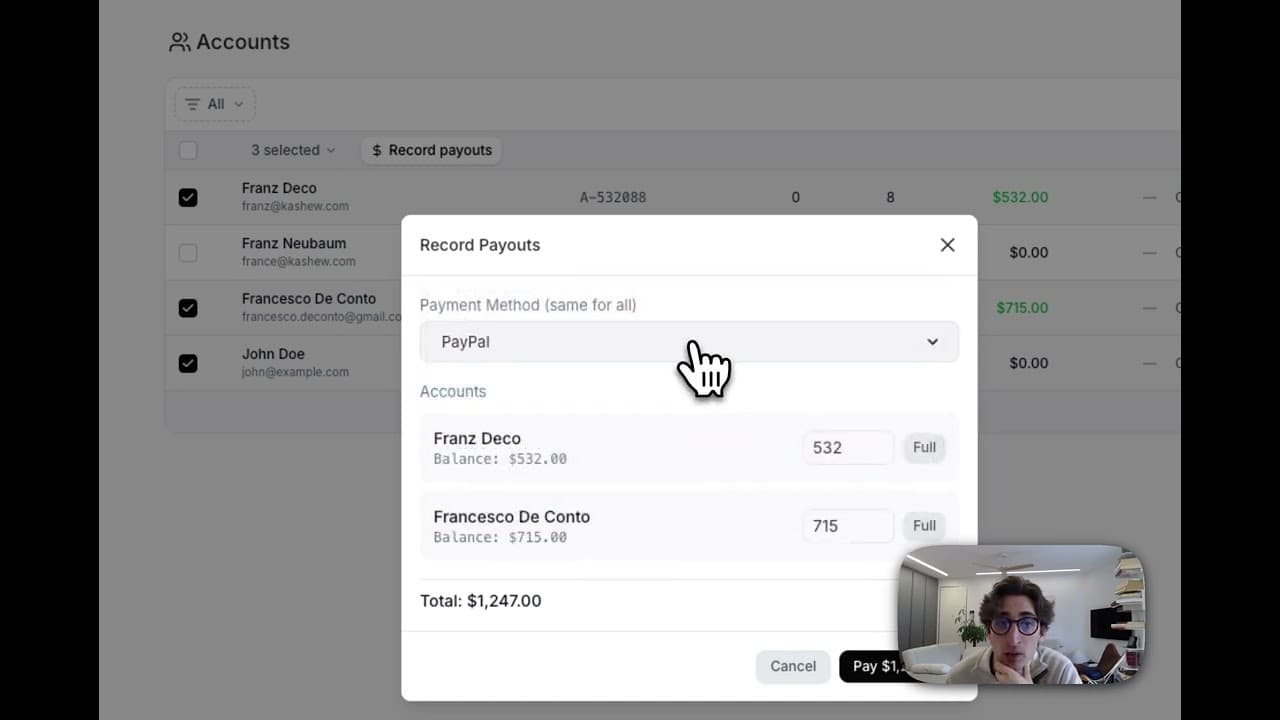
From sale to payout: how consignor balances accrue automatically, when payout holds release, the net-payable rule, recording single and bulk payouts, and CSV exports for check, Zelle, PayPal, bank transfer and store credit.
Take cash, issue store credit, split a sale across both, and convert consignor proceeds into credit with a bonus. How balances flow through sales, refunds, payouts, receipts and reports.
Give every consignor a self-serve login to track their items, balance, payouts, and sale history — printed QR code optional.
Share your invite link, both of you get a recurring monthly reward when your referral subscribes — paid out automatically once the hold window passes.
A step-by-step visual walkthrough of the cancellation flow, what happens to your data, and how to resume.
Permanently delete your account and everything in it — and what to do beforehand. Different from canceling your subscription.
Model cleaning fees, restocking fees, and card-processing surcharges that automatically adjust your consignor splits.
Attach a weekly, biweekly, or monthly fee to a consignor account — perfect for booth rentals, vendor rent, and storage fees.
Add a new card, change your default, or resolve a past-due invoice — all from Settings → Billing.
Upgrade or downgrade between Crosslister, Reseller, and Pro — with proration, trial preservation, and grandfathered-pricing notes.
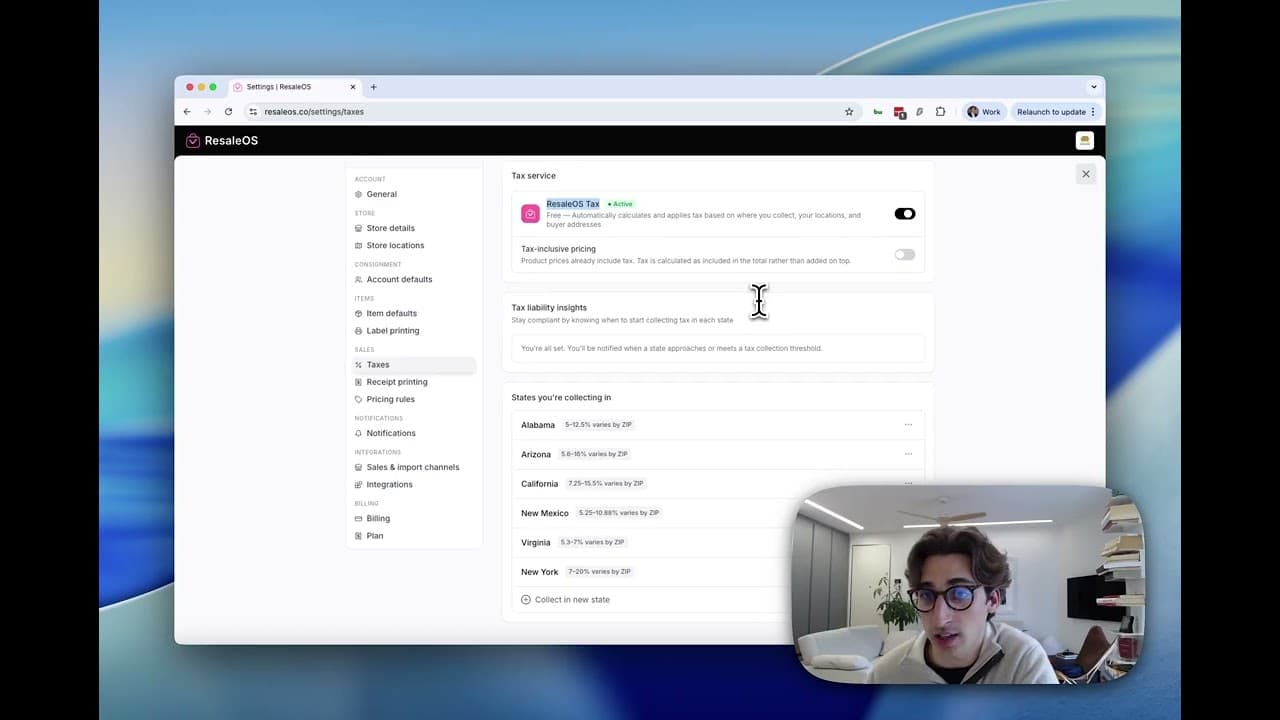
Configure zip-based US sales tax, register the states where you have nexus, and enable Pro auto-tax for rooftop-accurate calculation at checkout.
Add staff to your ResaleOS workspace, choose between Owner, Admin, Staff, and Read-only roles, and scope what they can see and do.
Spin up additional brick-and-mortar locations or warehouses, route inventory between them, and pick a per-location default for POS sales.

This article guides you through setting up and managing consigner contracts in ResaleOS, including creating terms and tracking signatures.

This guide provides a step-by-step process to customize your ResaleOS settings for profile, store details, branding, and more.

This guide provides a detailed walkthrough on managing consignor payouts in ResaleOS, covering balance checks, adjustments, and payout processes.

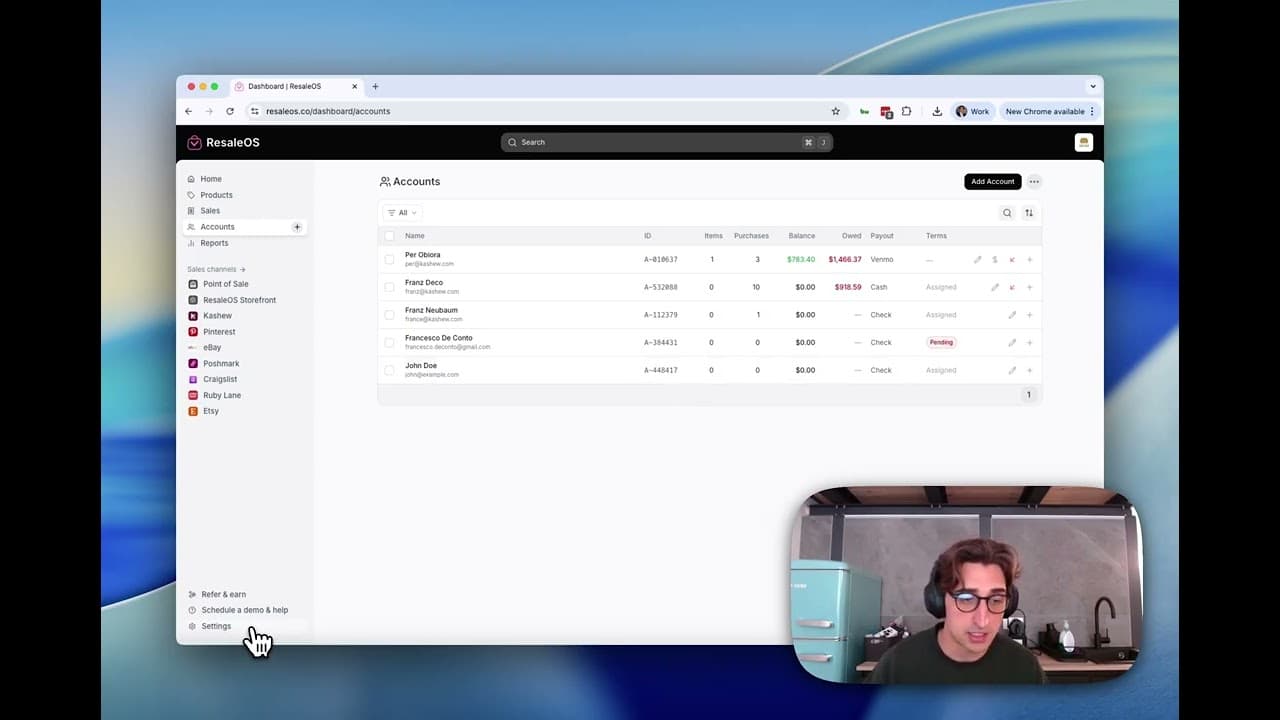
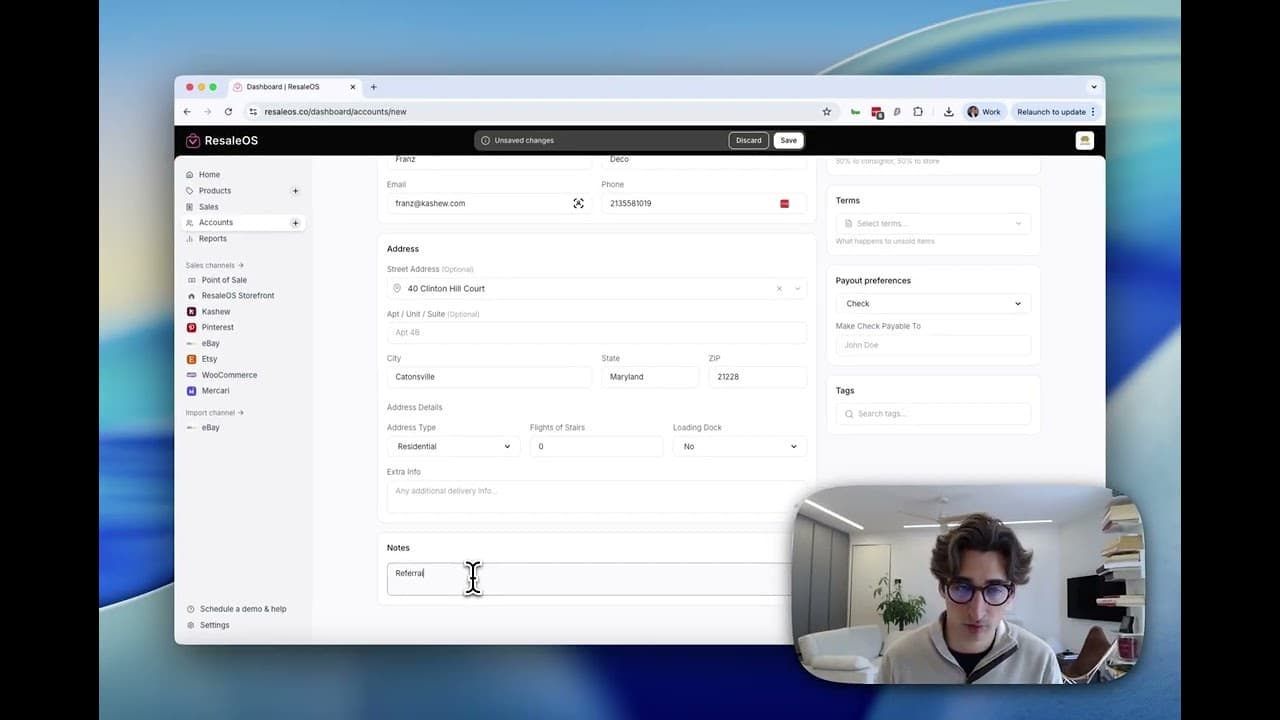
This article guides you through managing consigner and customer accounts in ResaleOS, covering account creation, viewing details, and linking products.